Change the Default Project Folder
The default project folder in Godot Launcher is the base location for new projects. Change it in Settings > Projects. Existing projects stay in their current folders, including projects you add to the launcher.
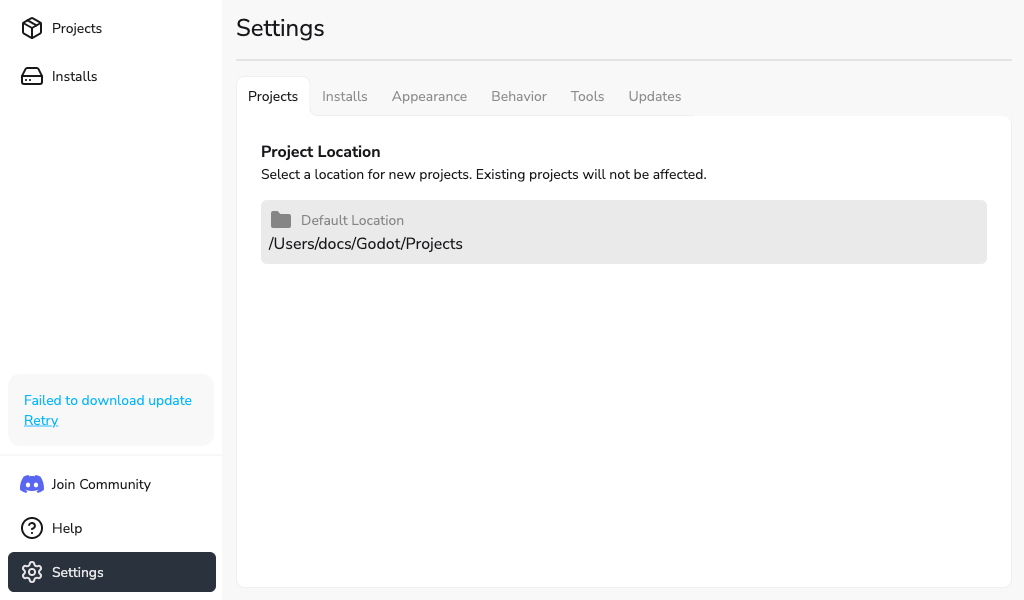
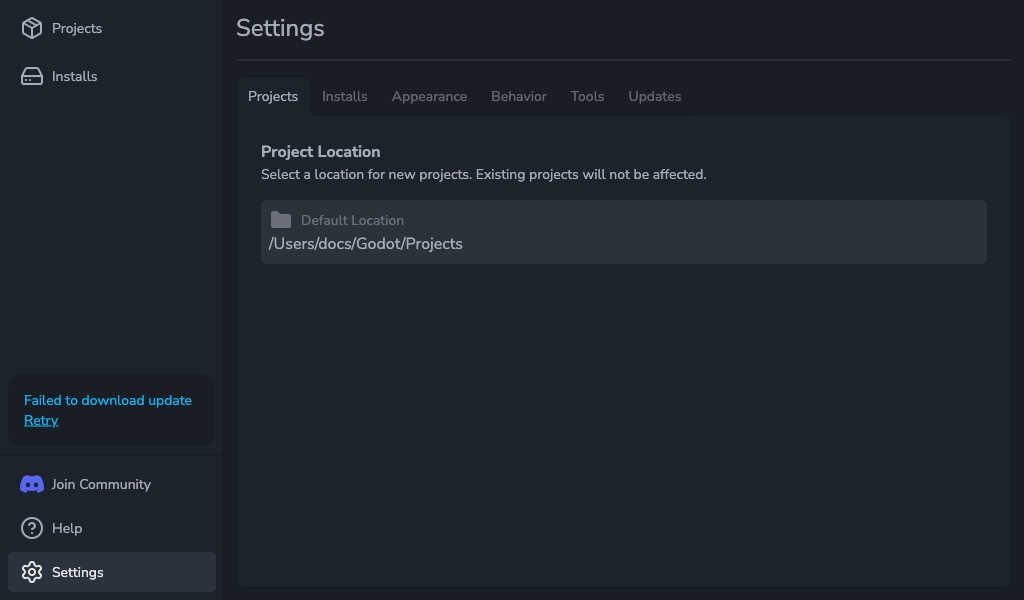
Change the default folder
- Open Settings > Projects.
- Under Project Location, select Browse.
- Choose a folder in the system folder picker.
The selected folder appears in Default Location and is used for new projects. Use Browse to change it; the path field cannot be edited directly.
Create one project somewhere else
In New Project, edit Project location or use its folder button to choose another base folder. Godot Launcher appends the project's folder name to this path. The default location in Settings stays unchanged.
To return to the default folder, select Use default location. This option appears after you change or clear the path.
See Creating a Project for the full project creation flow.
Manage tags
For the Manage tags option on this tab, see Project Tags.