Appearance and Language Settings
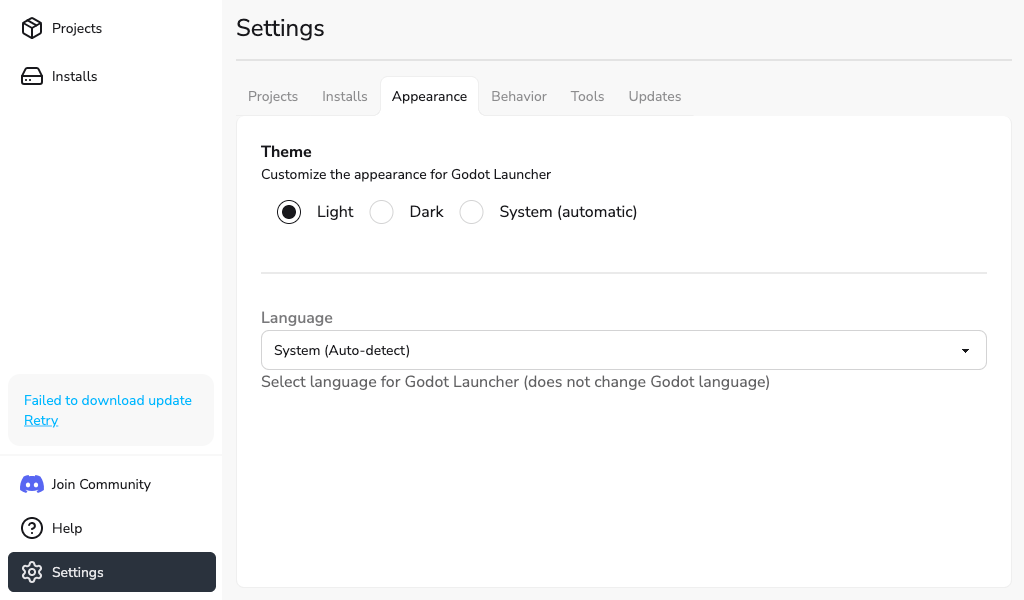
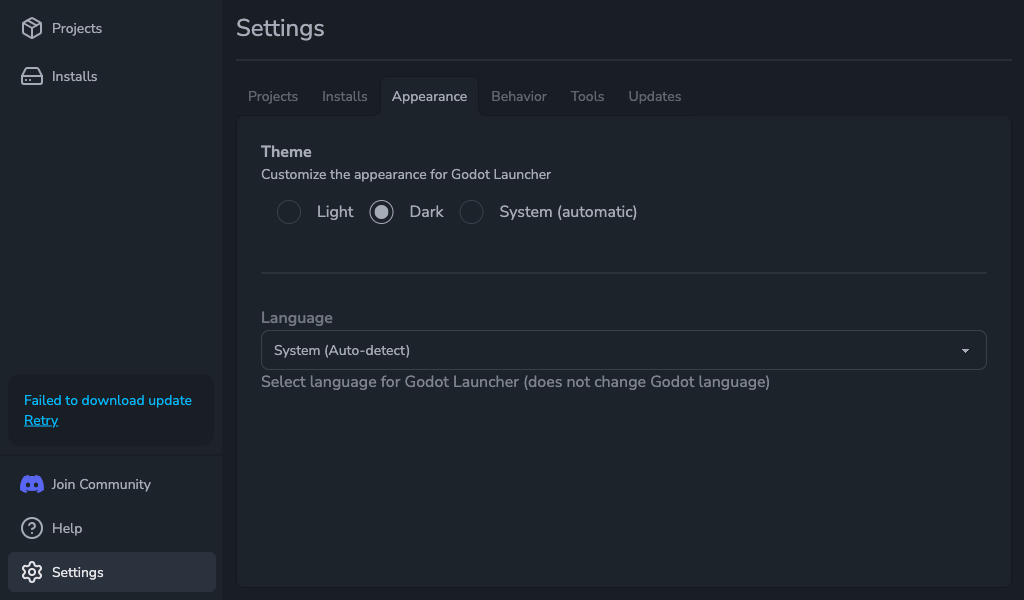
Open Settings > Appearance to change Godot Launcher's interface language or choose a light or dark theme. These choices affect Godot Launcher; they do not change the Godot editor.
Theme
Under Theme, select one of these options:
- Light: use a light background.
- Dark: use a dark background.
- System (automatic): follow your operating system's light or dark appearance.
Language
Select a language from the Language list. The change applies to the launcher interface, native menus, and tray menu.
Choose System (Auto-detect) to use your operating system's language when it is supported. Only languages listed in the selector are available.
To report a translation problem or help add a language, see the translation contribution guide.