Godot Editor Install Location
The editor install location in Godot Launcher determines where new Godot editor downloads are stored. Change it in Settings > Installs. Existing installations stay in their current folders.
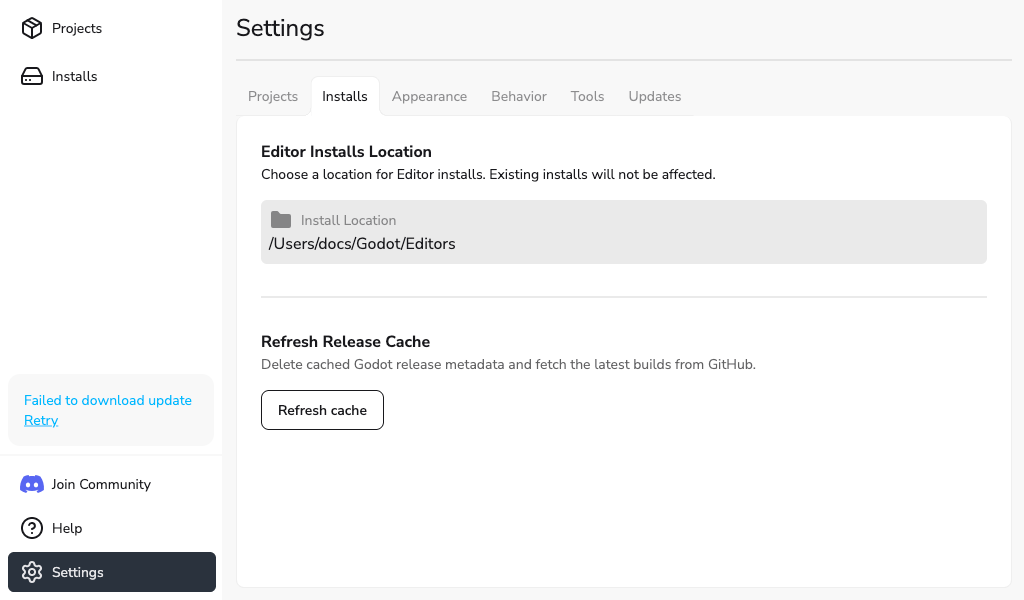
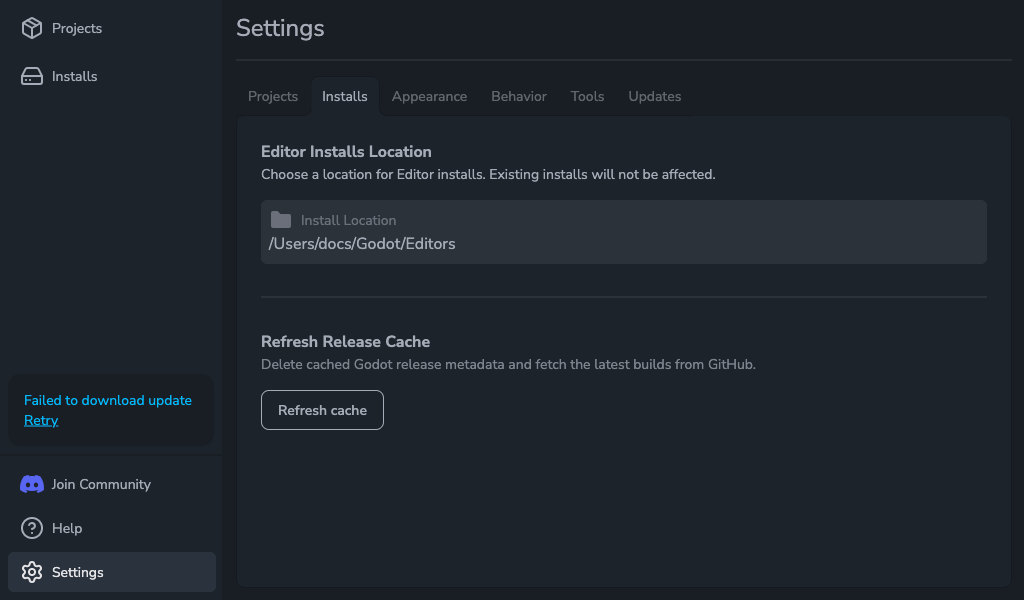
Change the install folder
- Open Settings > Installs.
- Under Editor Installs Location, select Browse.
- Choose a folder in the system folder picker.
The selected folder appears in Install Location and is used for new editor installations. Use Browse to change it; the path field cannot be edited directly.
For the download steps, see Installing Godot Editor.
Refresh the Godot release list
If a newly published Godot version is missing from the install list, open Settings > Installs and select Refresh cache under Refresh Release Cache. Godot Launcher replaces the cached release list with the latest information from GitHub.
After a successful refresh, the button shows a 60-second countdown before you can refresh again. Wait for the countdown to finish if you need another refresh.
If Unable to Refresh Cache appears, try again later.