Install a Godot Editor
In Godot Launcher, you can install an official editor from Installs, register a custom-built editor, or choose an official editor to download while creating a project.
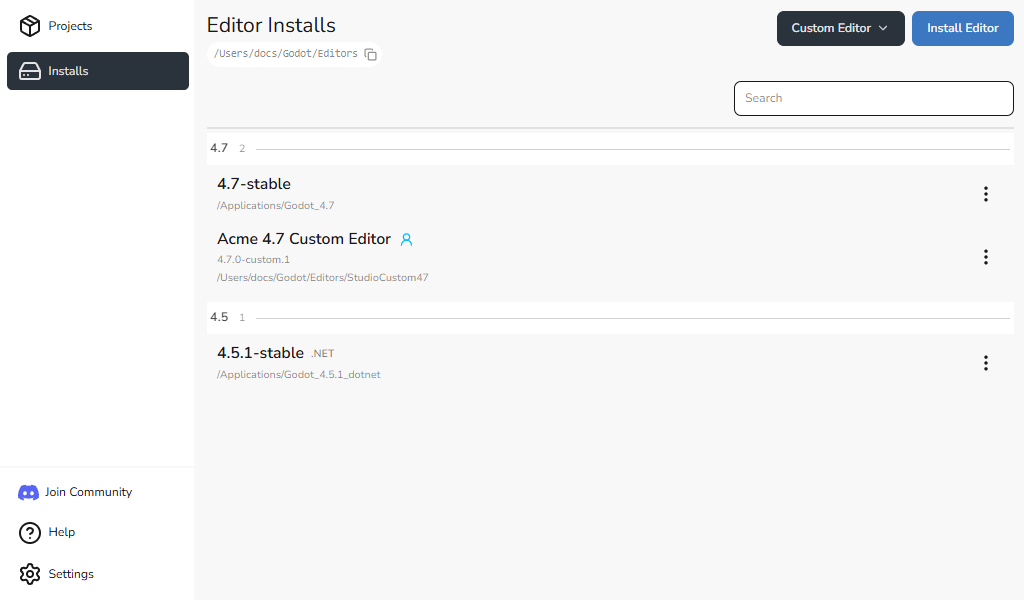
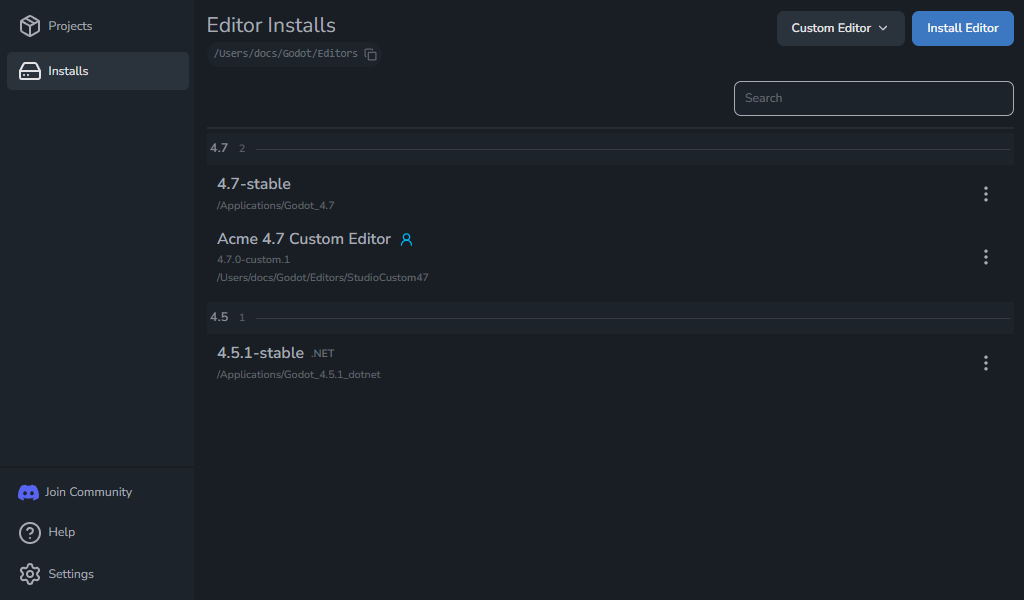
Install an official Godot editor
- Go to Installs from the left-hand navigation menu.
- Click Install Editor.
- Choose Latest for recent releases or All to find an older version.
- Choose Stable or Prerelease.
- Find the release you need and select Standard or .NET.
- Wait for the installation to finish. The editor appears in Installs and can be selected for projects.
Use Reload Release List to check for newly published releases. You can install multiple releases side by side.
Choose Standard or .NET
- Standard is the usual choice for GDScript projects.
- .NET is required for projects that use C#.
If you are not sure, choose Standard. You can install both variants of the same release.
Godot Launcher works with Godot 4 and newer editor builds.
To use C# in your project, install the .NET SDK from the Microsoft .NET website as well as a .NET-enabled Godot editor. See the Godot Engine C# documentation for current requirements.
The drawer shows queued, download, and installation progress. You can close it while an installation continues. If you started an install from Installs, select the cancel icon while it is queued, preparing, or downloading to stop it and remove its partial download.
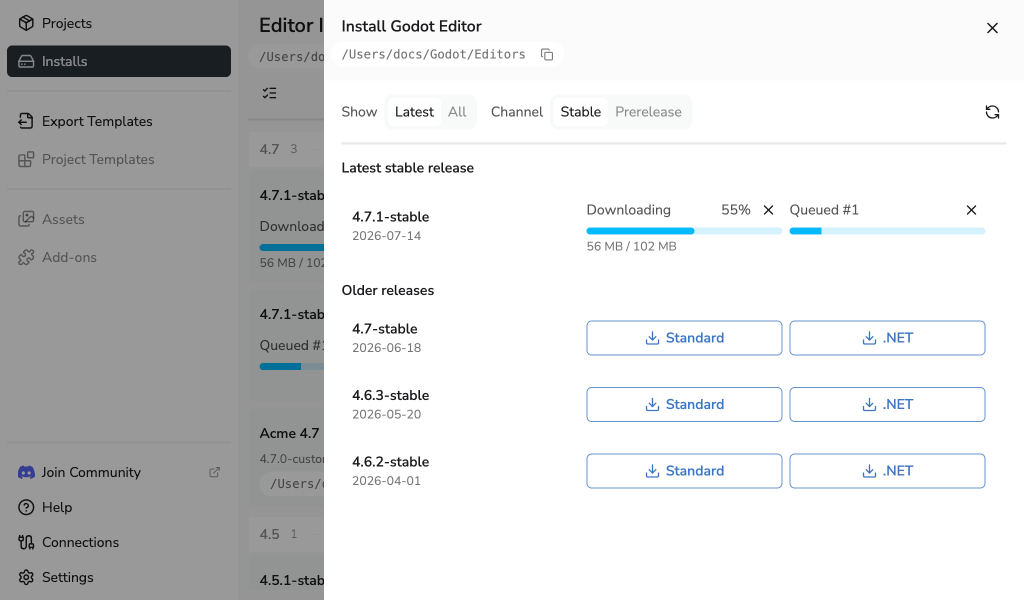
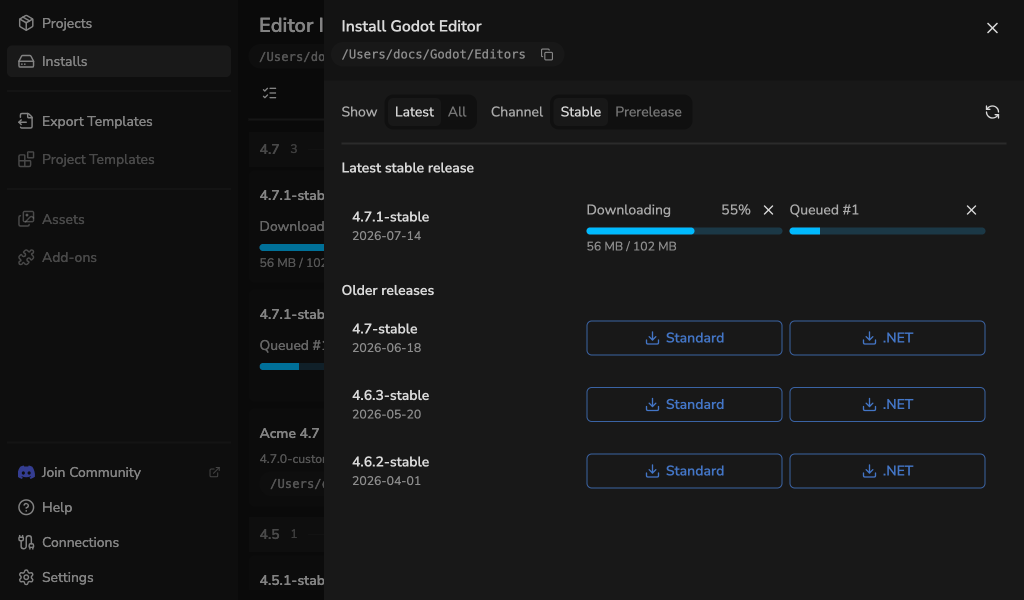
Cancellation is unavailable after extraction starts. An editor install started for a project is also not cancellable, because the project is waiting for that editor. If a project starts waiting for the same editor as a cancellable install, the cancel action becomes unavailable.
If a download or archive check fails, the editor is not installed. See editor installation troubleshooting for recovery steps.
Manage installed editors
The Installs view groups official and custom editors by Godot version. Standard, .NET, prerelease, and custom entries remain distinct within those groups.
- If an official editor becomes unavailable, select Retry after restoring its folder or Reinstall to download the same release and variant from the editor catalogue. Projects that used the unavailable editor are repaired to use the recovered installation.
- If a custom editor becomes unavailable, restore its manifest and editor paths, then select Retry. The launcher does not download custom builds.
- Select Delete Release from This Device beside an official editor, then confirm with Remove to delete its installation.
- Change the download location from editor install location settings.
Removing an editor does not delete your projects. See Troubleshooting if an installation or saved editor location is unavailable.
Remove several editors
Use multi-select in Installs to remove several editors with one confirmation.
- Select Enable multi-select, the checklist icon at the left of the toolbar.
- Tick the editors to remove, or open Actions > Select unused editors.
- Select Actions > Remove selected.
- Check the editor list and any projects shown in Remove selected editors, then select Remove selected to confirm.
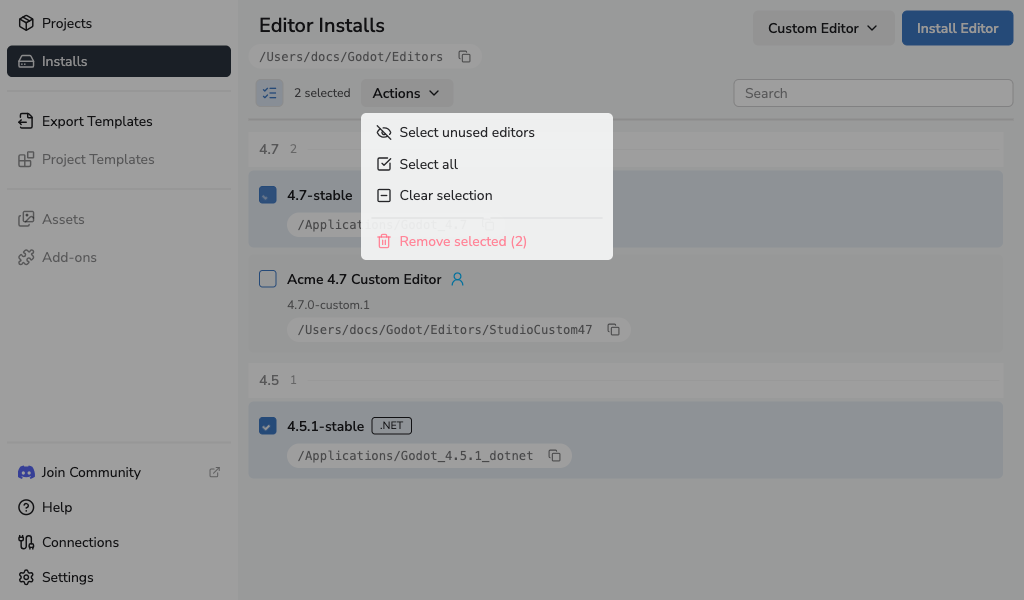
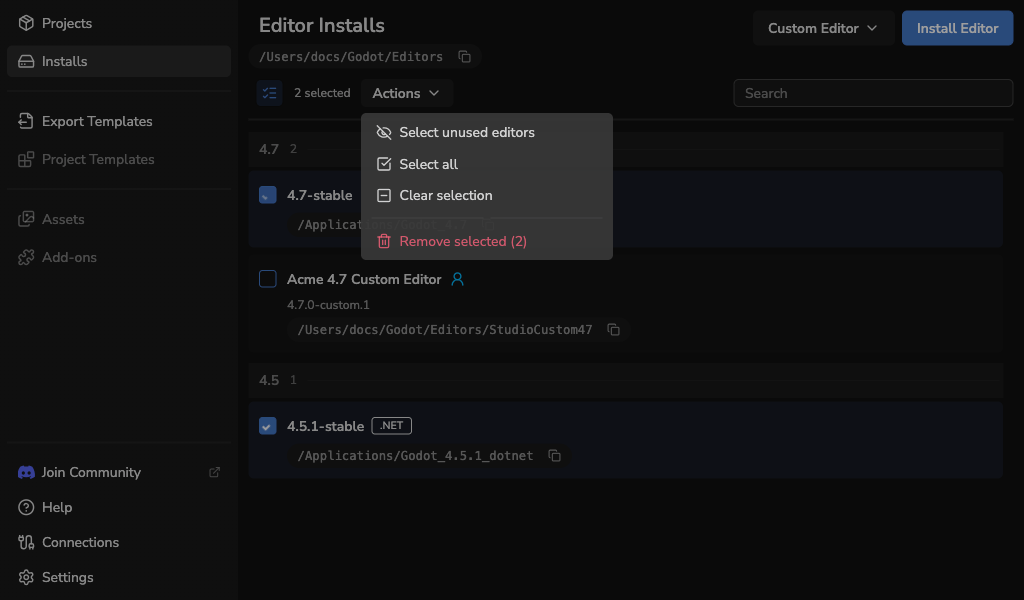
Select unused editors selects launcher-managed editors with no assigned projects. Projects with unavailable files still count as using their assigned editor. Custom editors are excluded from this action; select them individually or use Select all to include them.
Search filters the visible rows without clearing your selection. Clear selection unticks all editors. Disable multi-select also clears the selection and restores the individual editor buttons. Editors with an install or another action in progress cannot be selected.
Removing an installed editor deletes its editor files. Projects assigned to it need another editor before they can launch. Removing a custom editor unregisters it from Godot Launcher and keeps its files. Your project files are kept in both cases.
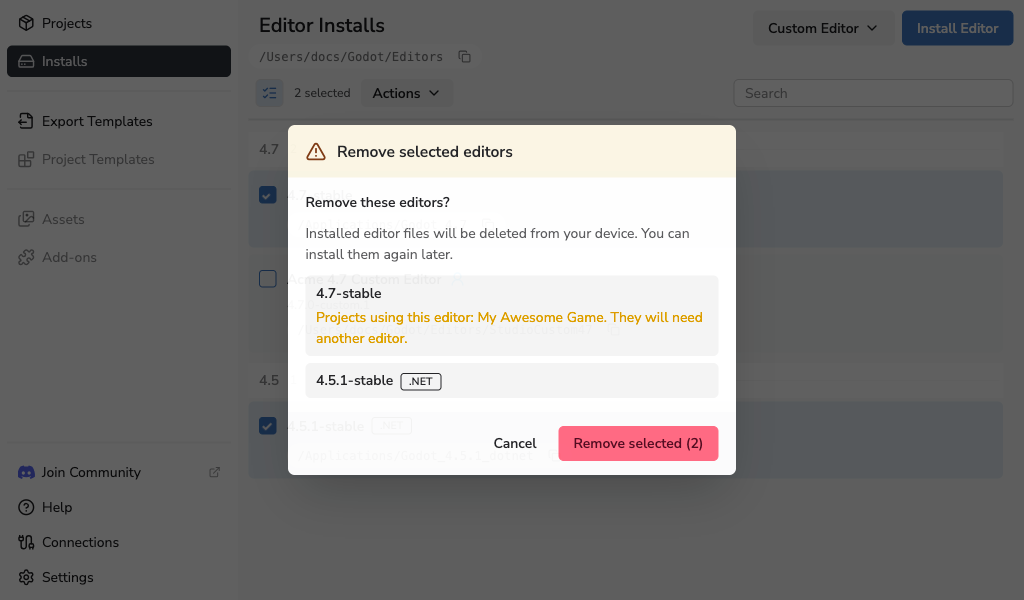
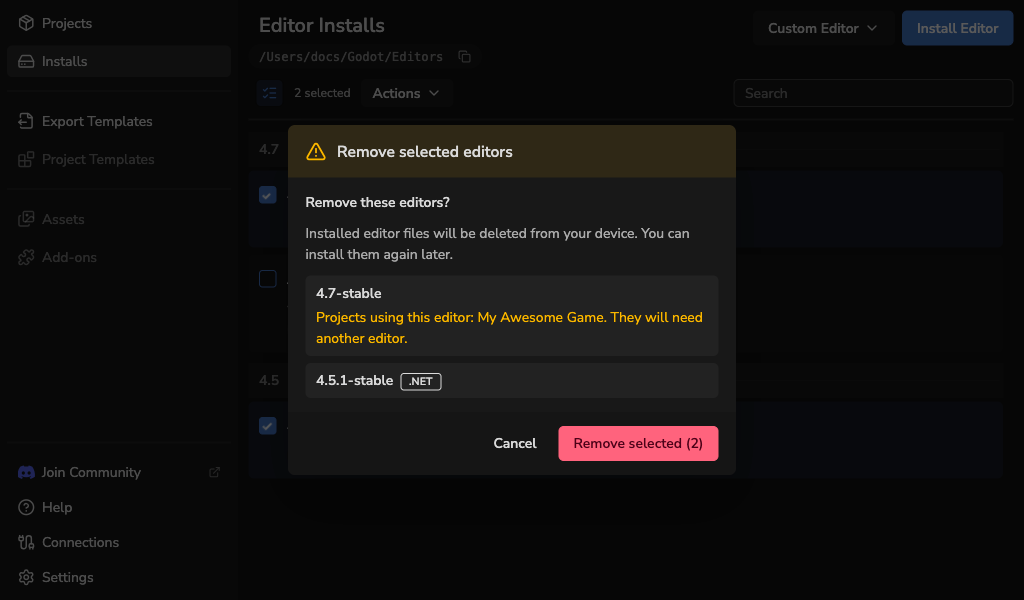
The launcher checks each editor again before removal. An editor selected with Select unused editors is kept if a project starts using it. Changed or busy editors are also kept. If a removal fails, the dialog shows the result for each editor; resolve the reported problem and use Retry failed removals. Successful removals stay removed.
Add a custom-built Godot editor
Open the Custom Editor menu in Installs to register a custom-built Godot editor:
- Select manifest file: register an existing
godotlauncher-editor-manifest.json. - Create custom editor manifest: enter the editor details and create the manifest in the launcher.
Custom editors appear in Installs with a Custom badge. See Custom-Built Godot Editors for the full workflow.