Open the Godot Editor in Windowed Mode
Enable Windowed editor in Godot Launcher to start the Godot editor in windowed mode.
Change the project setting
- Open Projects.
- Select the project's settings button.
- Open Launch.
- Enable or disable Windowed editor.
- Select Update.
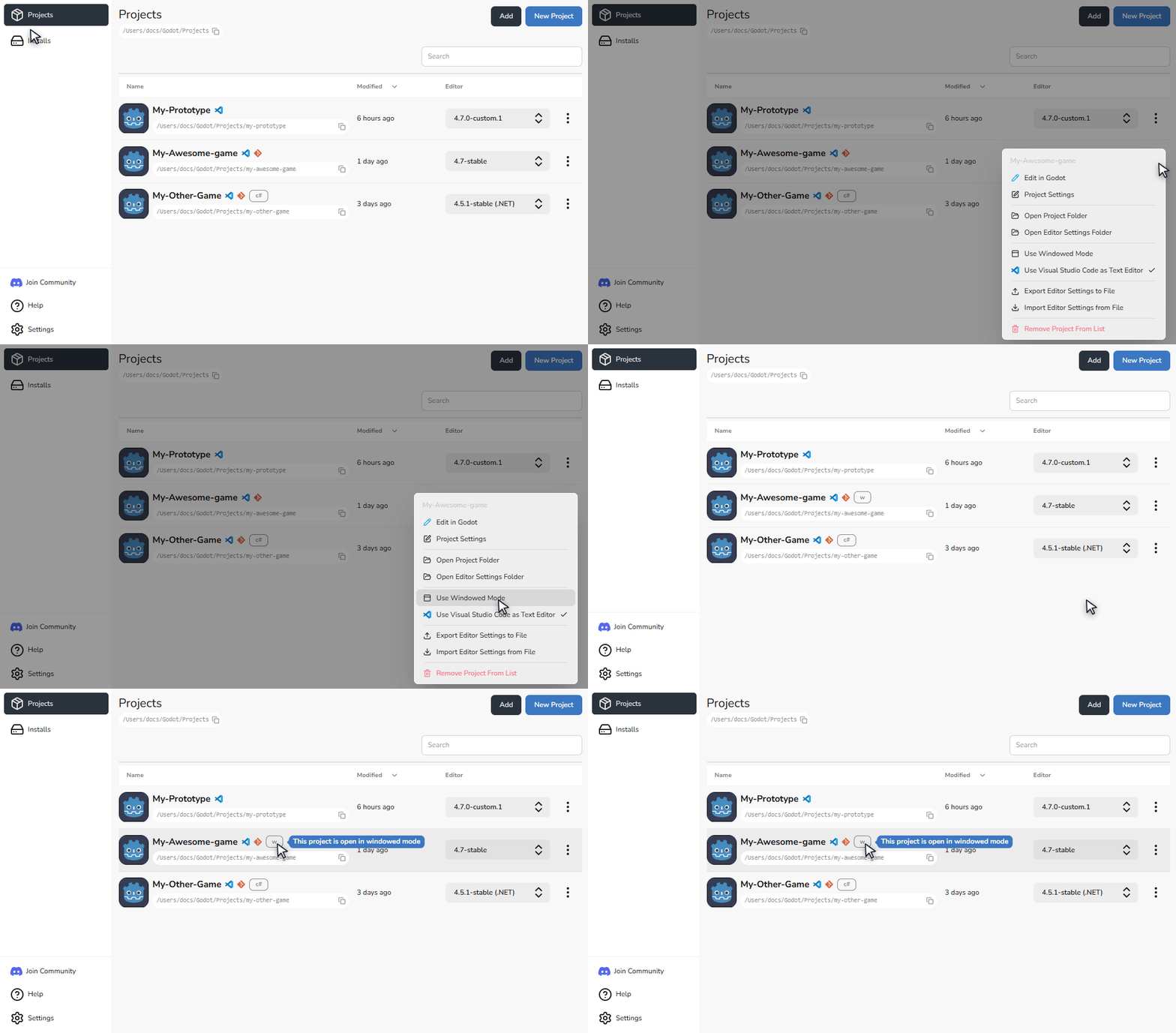
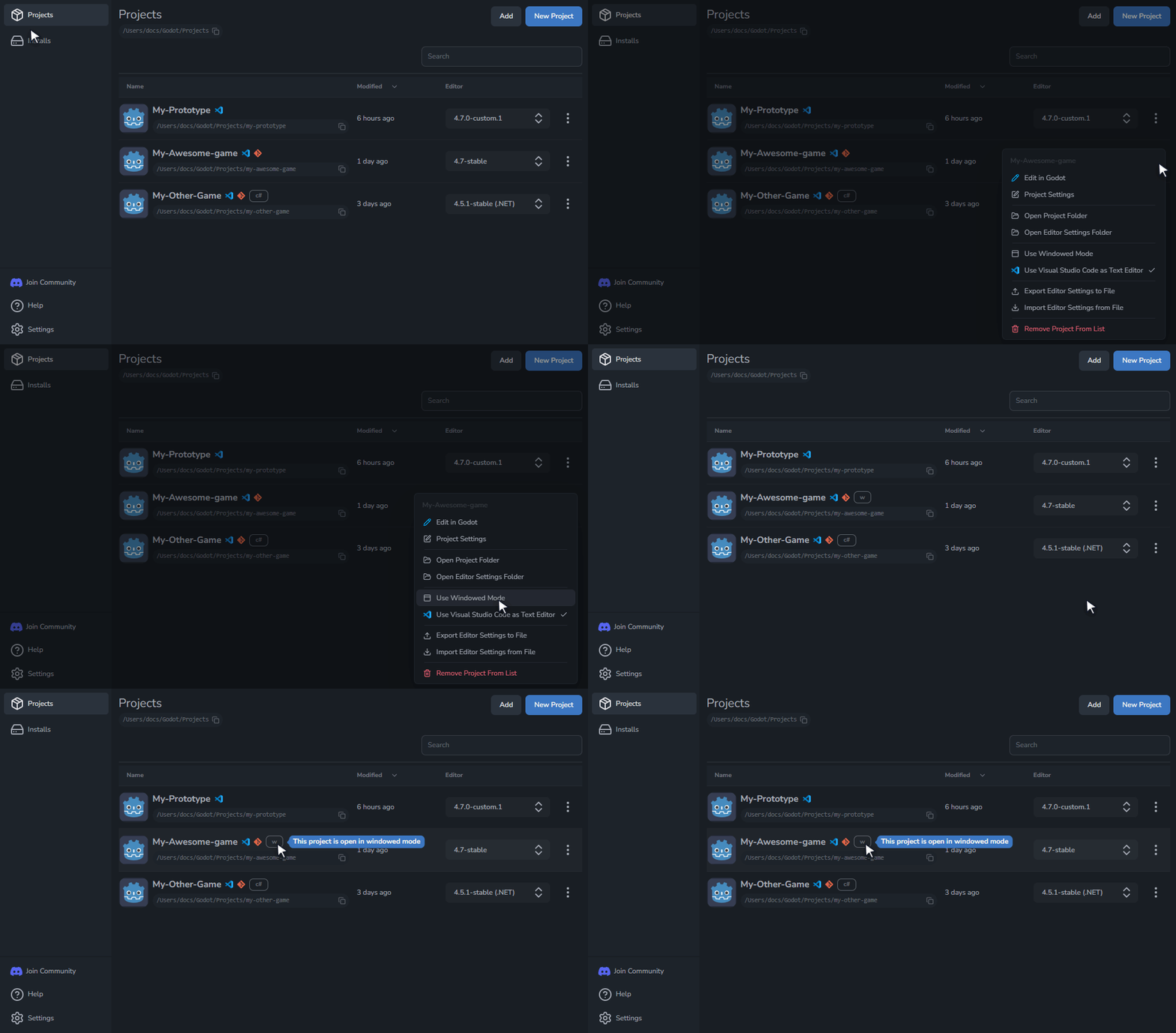
The setting is saved for this project and applies the next time you open it from the main window or the system tray.
The project card shows a Windowed status chip while the option is enabled.
When to enable it
Enable Windowed editor to request windowed mode for the Godot editor. Leave it off to use Godot's normal startup window state. Godot Launcher uses Godot's --windowed command-line option for this setting.