Appearance and Language Settings
The Appearance tab controls the visual theme and interface language for Godot Launcher.
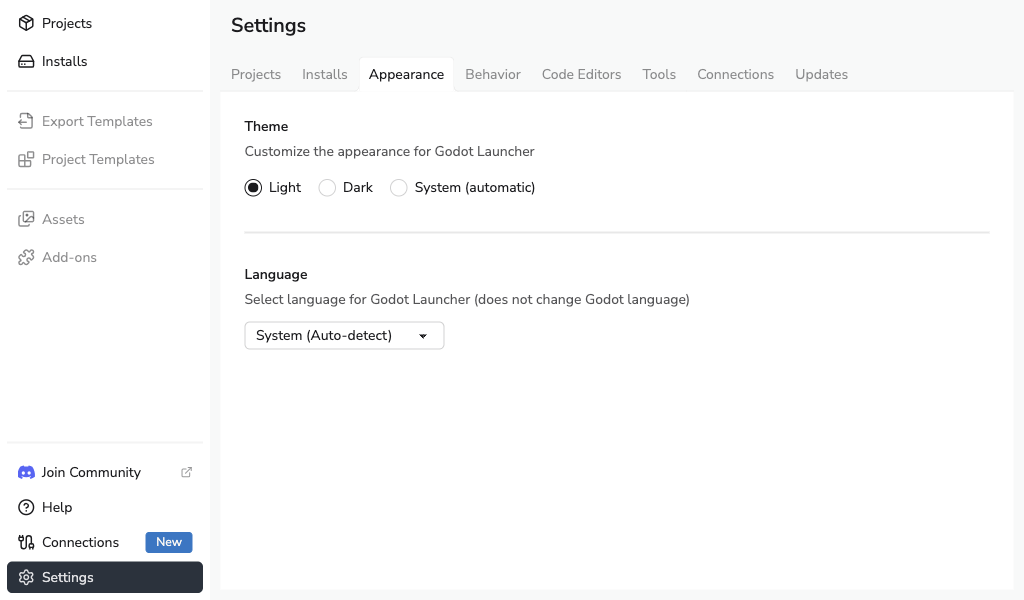
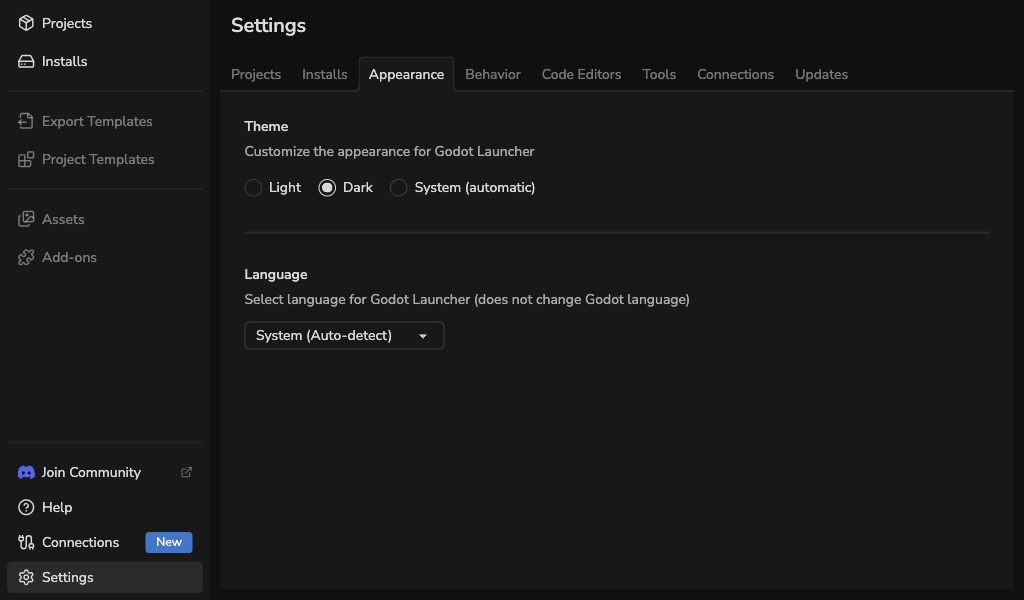
Theme
Choose how Godot Launcher should look:
- Light
- Dark
- System: follows your operating system setting.
Language
The language setting controls the Godot Launcher interface, native menus, and tray entries.
- System auto-detects your operating system language.
- You can switch to a supported language manually.
- Language changes apply to Godot Launcher, not to the Godot editor.
note
Right-to-left languages are not available yet, but the localisation system is prepared for future language additions.
tip
Found a string that needs polish or want to help add a new locale? See the translation contribution guide.