Custom-Built Godot Editors
Custom-built Godot editors let you use editor executables that are not part of the official release list. Use them for locally compiled Godot editors, team-distributed editors, or custom editor variants that your project depends on.
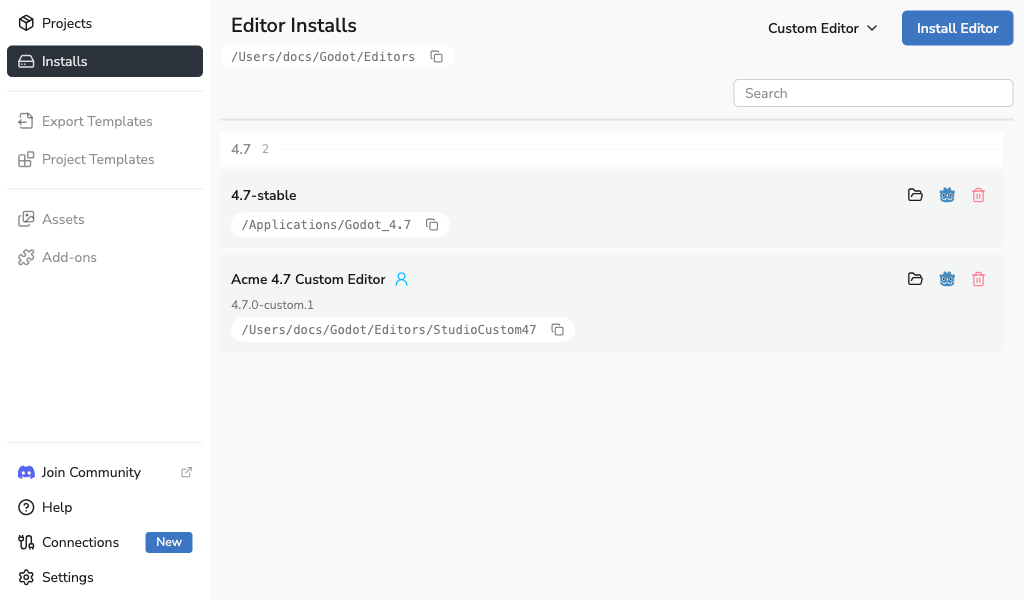
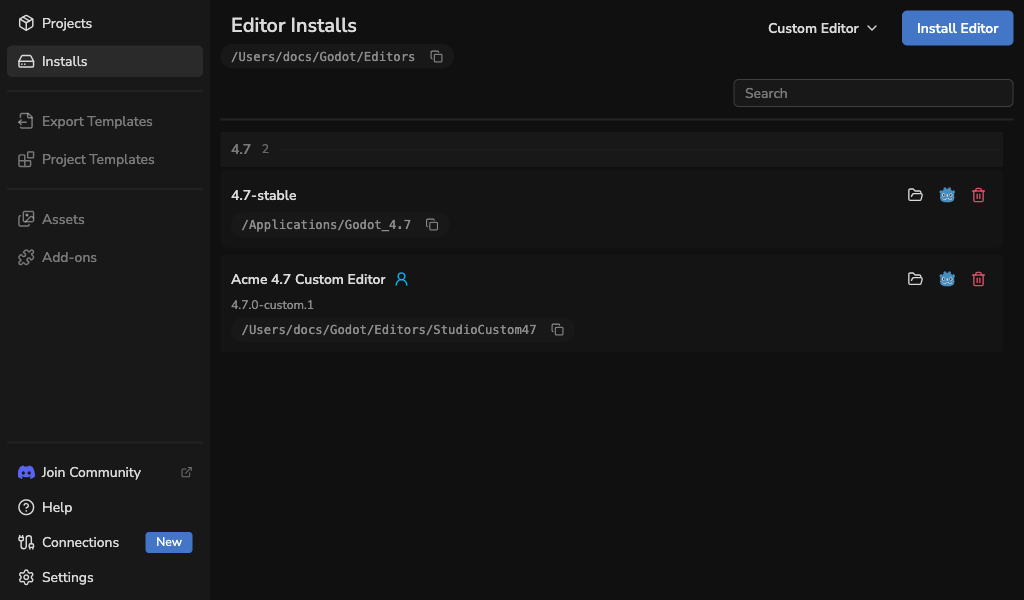
After a custom-built Godot editor is registered, Godot Launcher shows it in Installs with a Custom badge and lets you select it for projects like any other installed editor.
When to use a custom-built Godot editor
Use a custom-built Godot editor when:
- Your project depends on a modified Godot editor.
- Your team distributes a specific editor binary outside the official Godot releases.
- You have a locally compiled Godot editor and want the launcher to treat it as a selectable editor.
For normal projects that use official Godot releases, install an editor from the regular Installing an Editor flow.
Create a custom editor manifest
Open Installs, then use Custom Editor -> Create custom editor manifest.
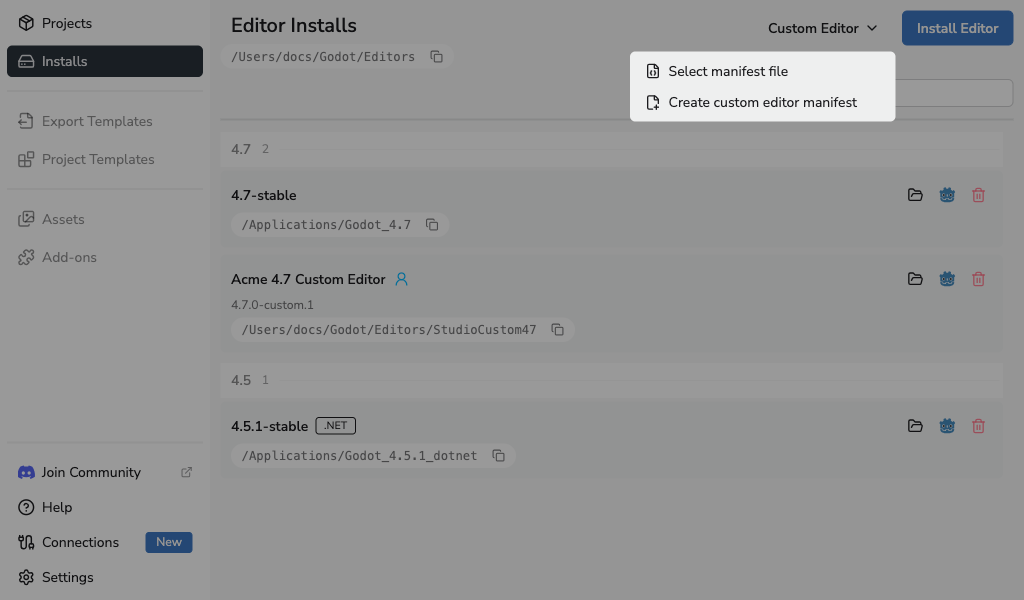
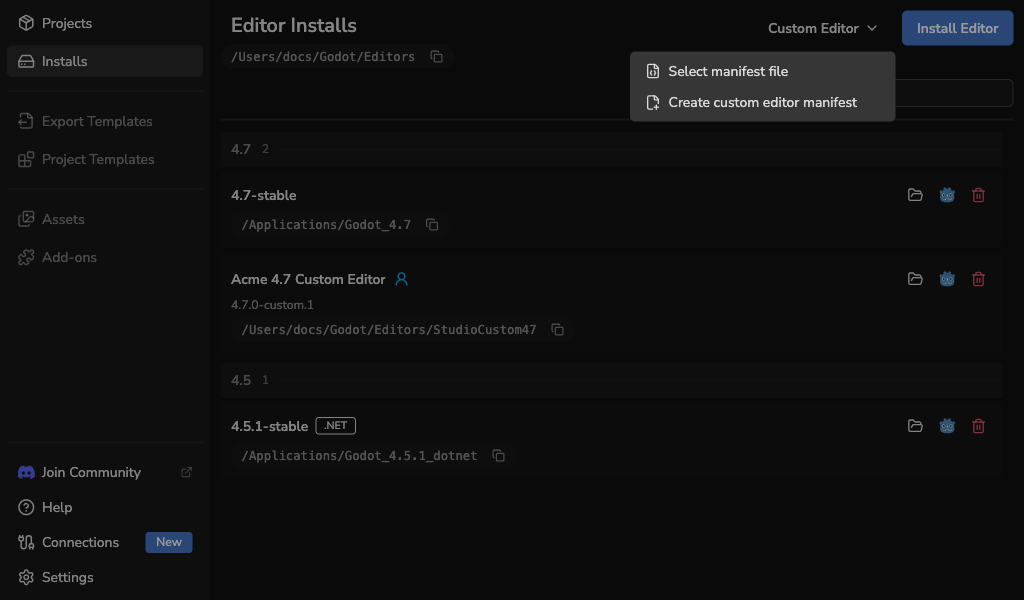
The drawer creates a godotlauncher-editor-manifest.json file and registers the editor when you save it.
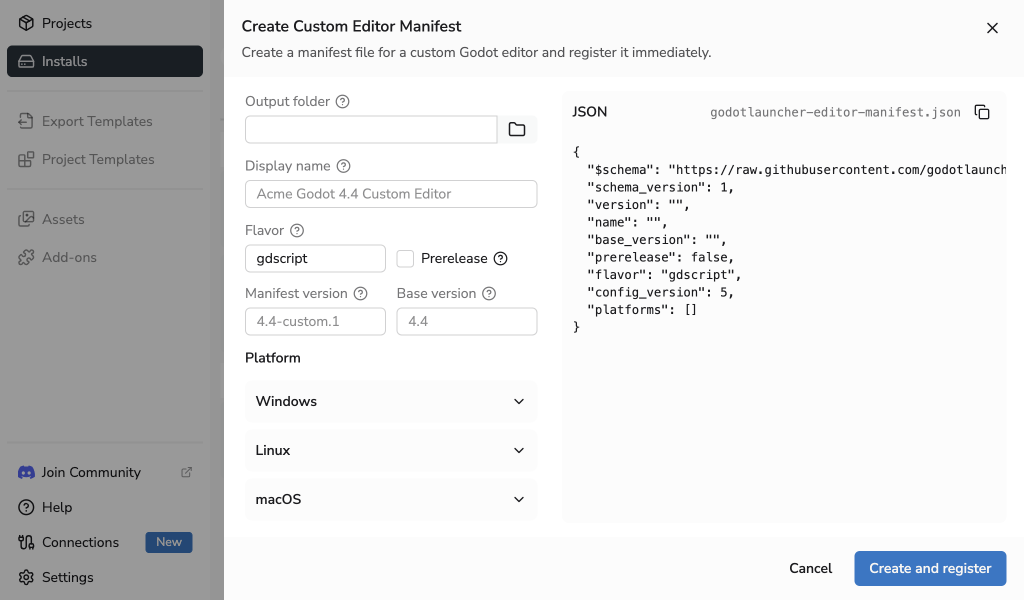
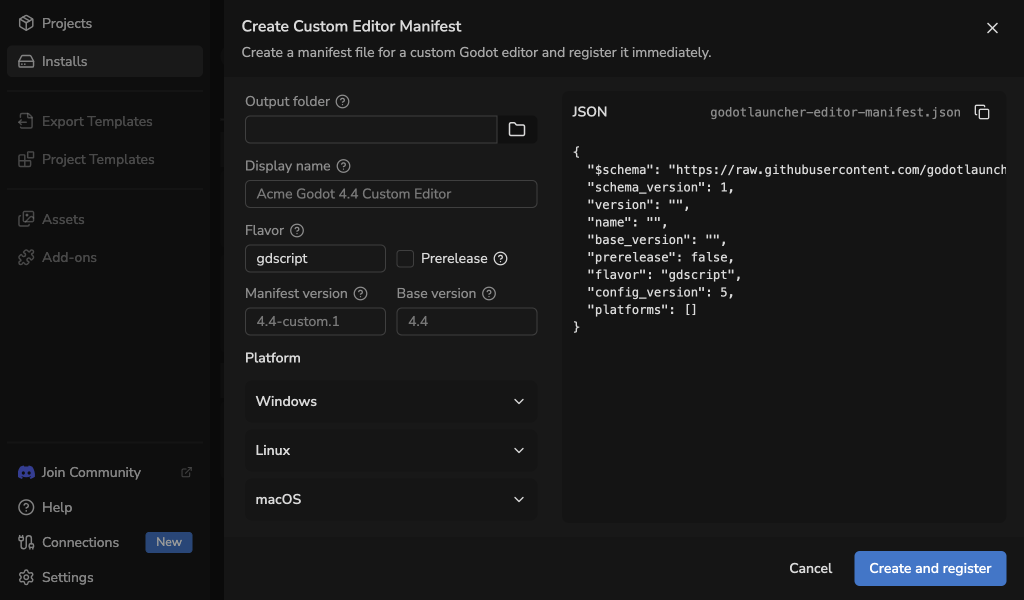
Fill in:
- Output folder: where the manifest file will be written.
- Display name: the name shown in the launcher.
- Manifest version: the custom-built Godot editor version the launcher will register.
- Base version: the Godot major/minor version, such as
4.4. - Flavor: commonly
gdscriptordotnet, with custom values allowed. - Prerelease: whether this editor should be treated as a prerelease.
- Platform: Windows, Linux, or macOS.
- Architecture:
x64,arm64, oruniversal. - Editor path: the editor executable or app bundle.
- Console path: optional console executable path, when your platform/build provides one.
Register an existing manifest
If your team already provides a godotlauncher-editor-manifest.json file, open Installs and choose Custom Editor -> Select manifest file.
You can also drop a manifest onto the Installs view. The launcher shows whether the manifest can be added.
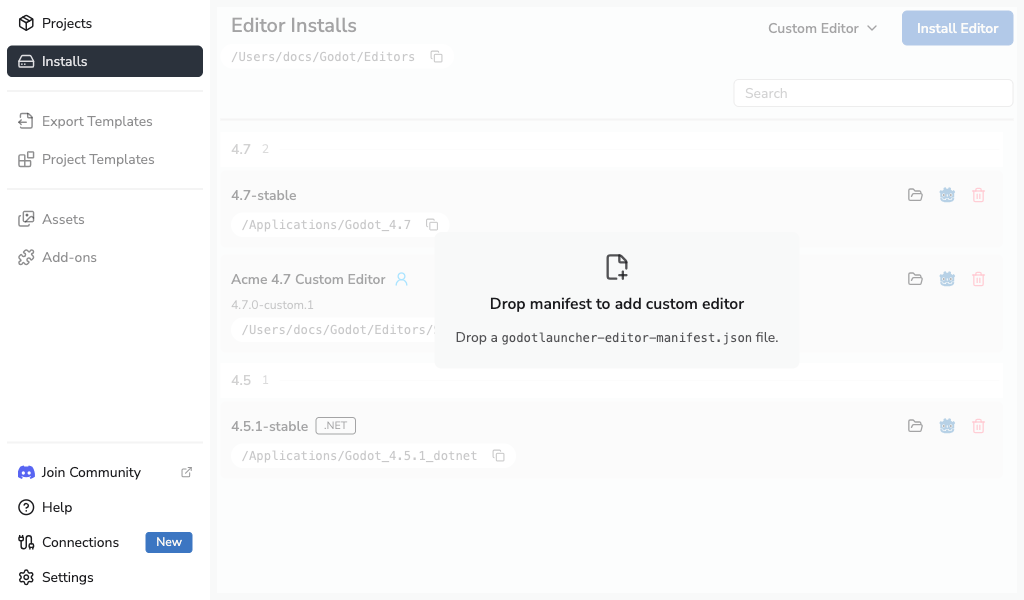
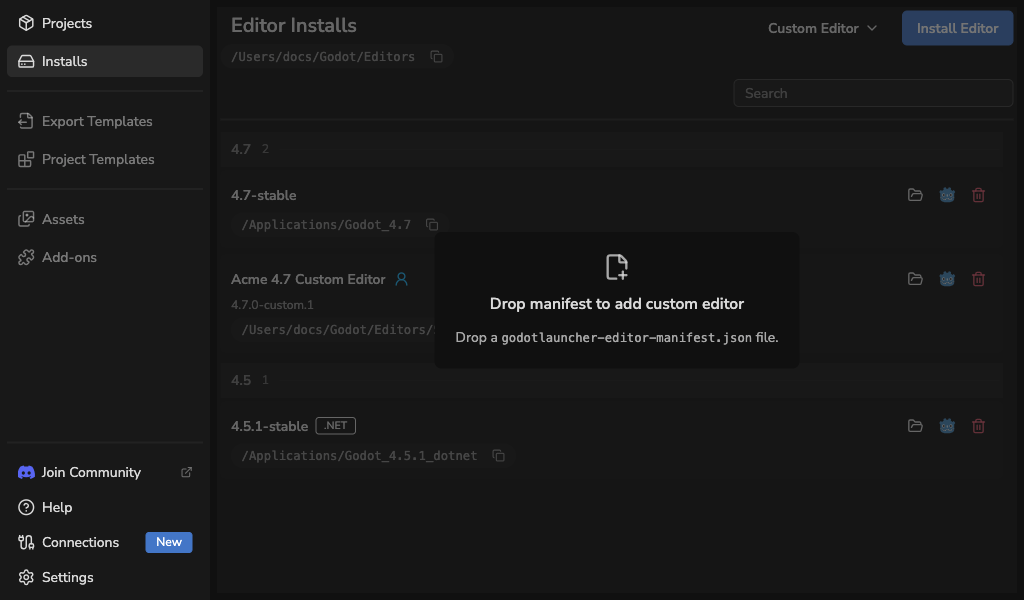
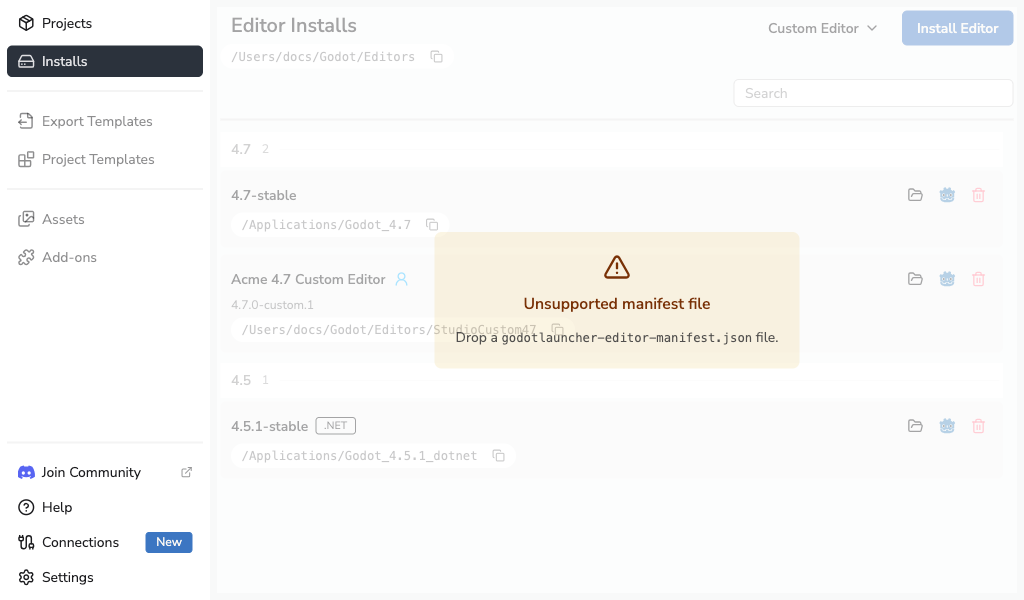
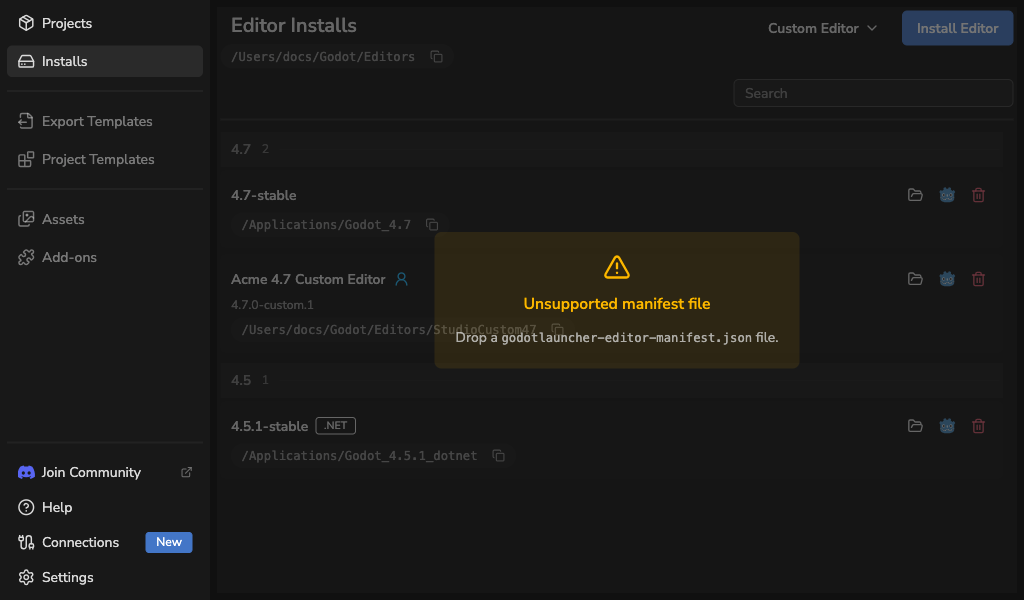
If the dropped file is not supported, the launcher shows an unsupported drop state instead of registering it.
Replace a registered custom-built Godot editor
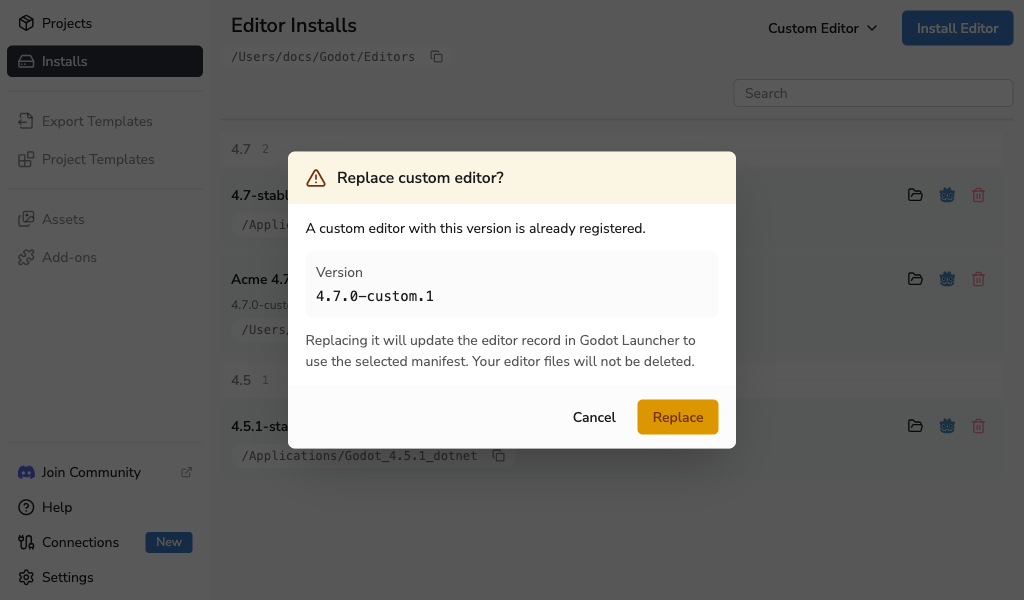
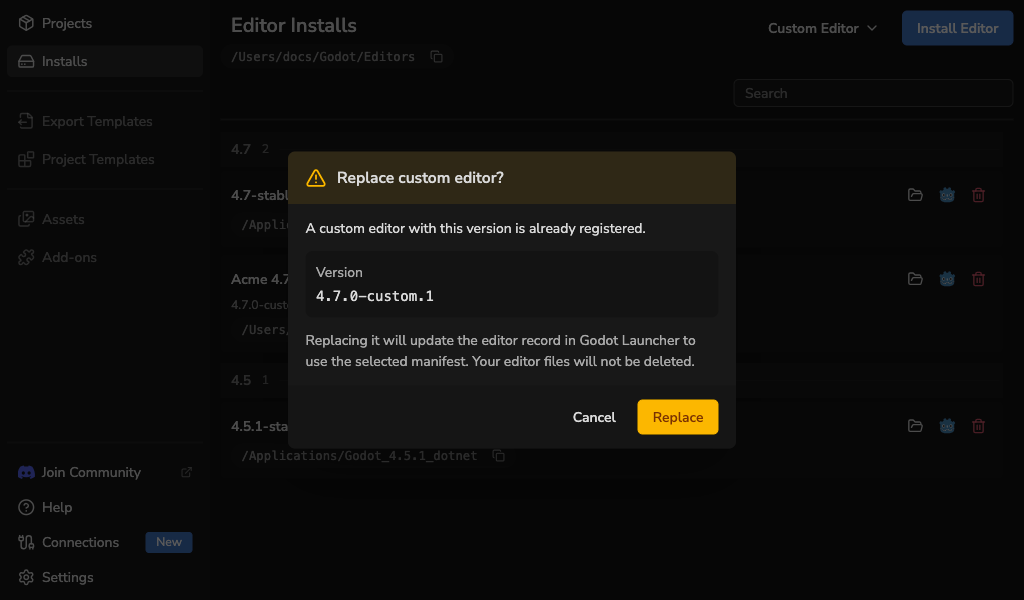
Registering another manifest with the same custom editor version opens a replace flow. Use it when a custom-built Godot editor has moved or your team has replaced the binary behind the same version label.
Use a custom-built Godot editor for a project
Registered custom-built Godot editors appear in the same project editor selector as official editor installs.
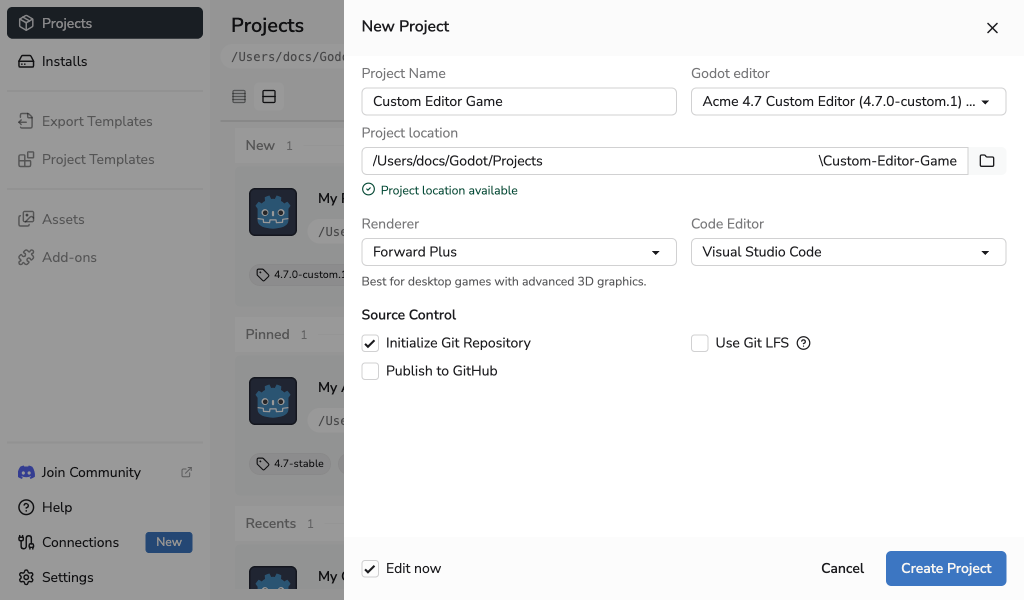
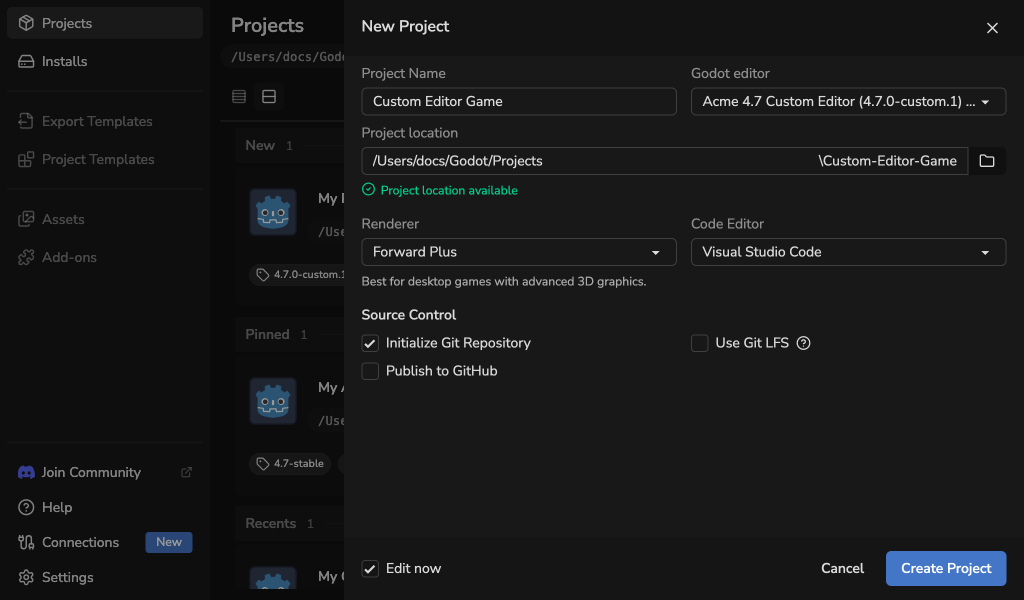
You can select a custom-built Godot editor when creating a project or later from the project editor selector in the Projects list.
Remove a custom-built Godot editor
Removing a custom-built Godot editor unregisters it from Godot Launcher. It does not delete the editor binary or the folder where your team stores that editor.
If projects still reference the removed editor, they will show a missing editor state until you register the editor again or choose another compatible editor.
Troubleshooting
- The editor path is unavailable: restore or mount the location that contains the custom-built Godot editor, then retry validation.
- The wrong editor is registered: register a corrected manifest with the same version and use the replace flow.
- A project cannot launch: select an available compatible editor, or register the missing custom-built Godot editor again.
- A manifest is rejected: recreate it from the in-app drawer or ask your team for a manifest that matches the editor binary you are using.