Project Location Settings
The Projects tab in Settings controls the default folder used when Godot Launcher creates a new project.
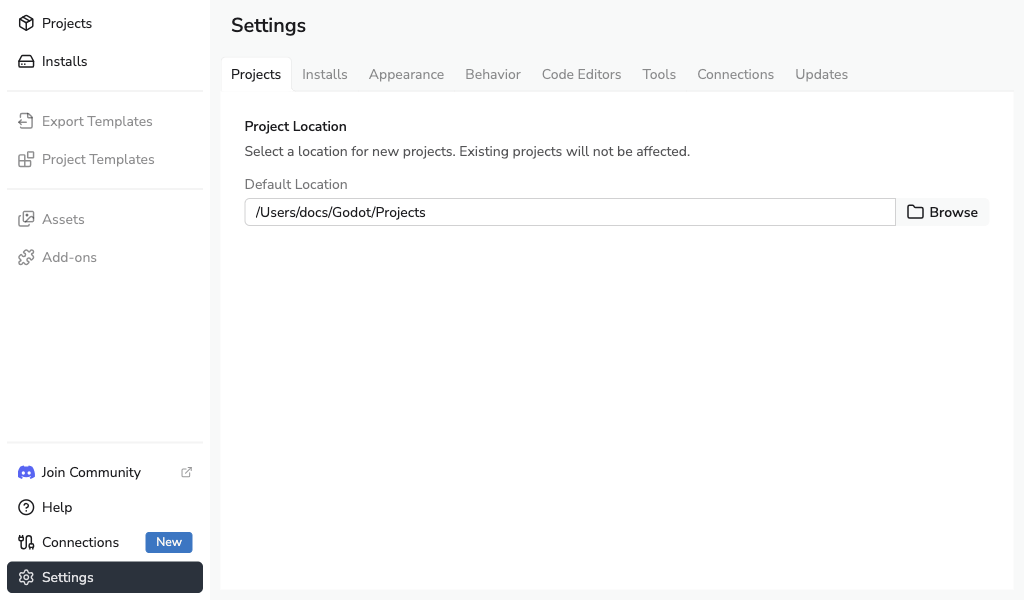
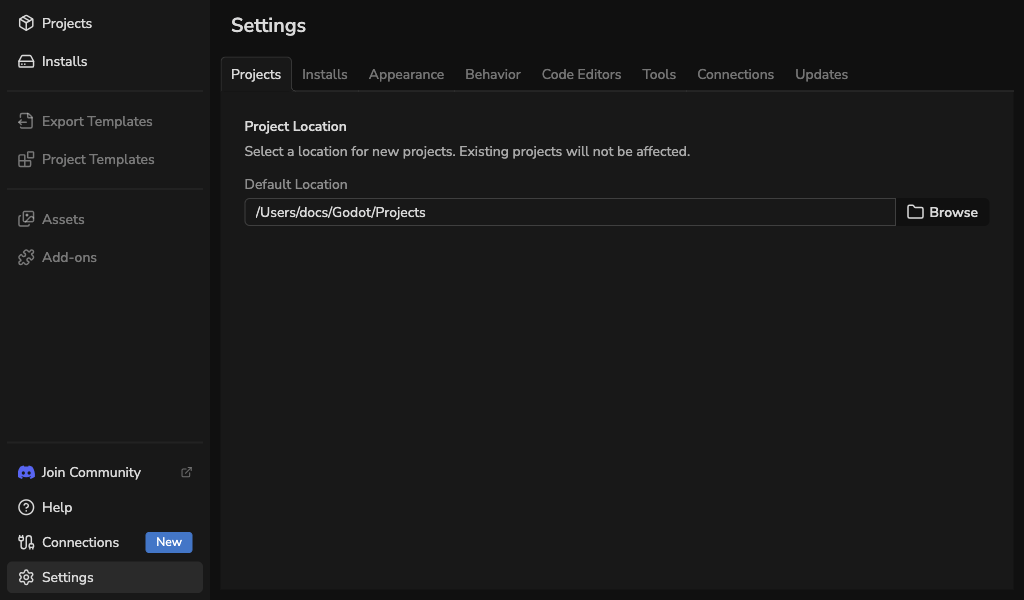
Project Location
Project Location sets the base directory for newly created projects.
To change this location, select Browse and choose a folder in the system folder picker. The path field is read-only.
- Existing projects already added to the launcher are not moved.
- You can change this path at any time without changing existing project data.
- When creating a project, you can set a different Project location for that project only.
info
Changing the default project location affects only new projects created through Godot Launcher.
Adding existing projects will not move them into this folder.
Create one project somewhere else
Use Overwrite Project Path in the create project dialog when one project should live outside your default project folder.
See Creating a Project for the full project creation flow.