Behavior Settings
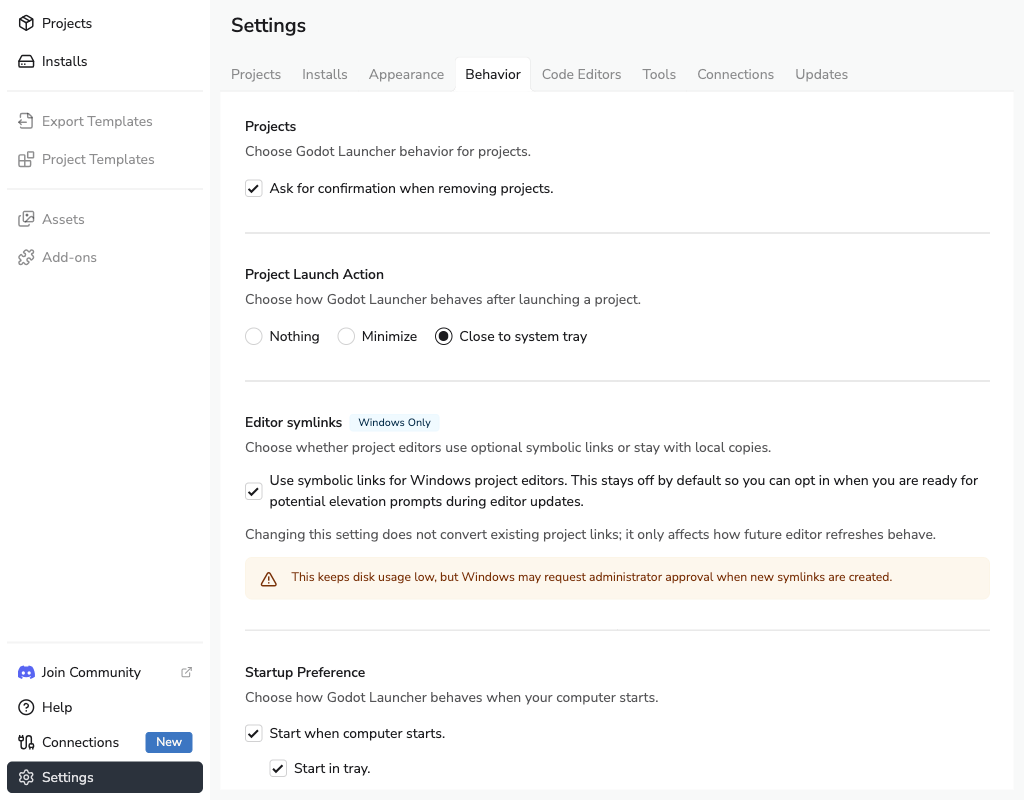
The Behavior tab controls project removal confirmation, what happens to the launcher after a project opens, automatic startup, and optional project editor links on Windows.
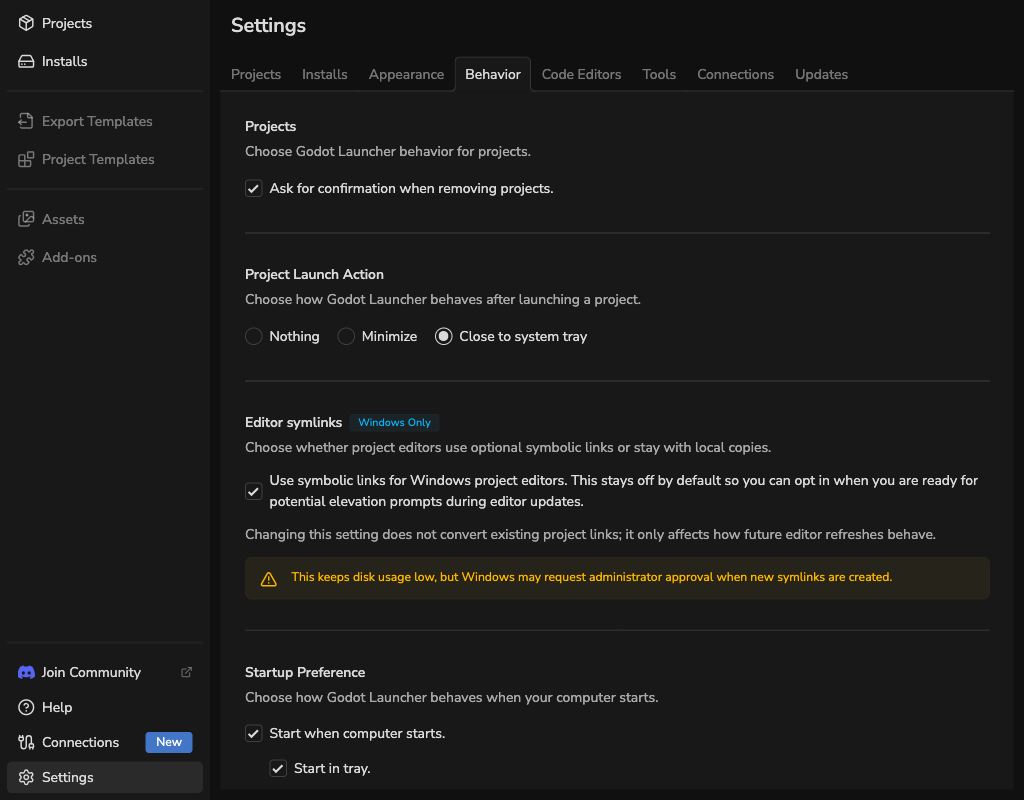
Confirm project removal
Enable Project Confirmation if you want Godot Launcher to ask before removing a project entry.
Removing a project from Godot Launcher does not delete the project folder unless a separate delete action explicitly says so.
Choose what happens after opening a project
Choose what Godot Launcher does after it launches a project:
- Nothing: keep the launcher window visible.
- Minimize: minimize the launcher window.
- Close to system tray: hide the launcher window and keep it available from the tray.
For tray behavior and recent project quick launch, see System Tray.
Save space with editor links on Windows
On Windows, Godot Launcher can create symbolic links to installed editors instead of keeping a local editor copy for each project. This option is off by default.
This can reduce disk usage, but Windows may require Developer Mode or administrator approval depending on your system.
The setting is used the next time the launcher prepares an editor for a project. Existing projects keep their current setup until you change or reinstall their Godot editor.
See Godot Launcher Symlink Support on Windows before enabling this option.
Start the launcher with your computer
On Windows and macOS, startup settings control whether Godot Launcher opens automatically when your computer starts.
- Start when computer starts: launch Godot Launcher on system startup.
- Start in tray: start hidden in the system tray. This choice is available only while automatic startup is enabled.
Automatic startup is not currently supported on Linux.
See Troubleshooting when tray options are unavailable or the window stays visible.