Project Settings
Project Settings in Godot Launcher keep the choices for one project together. Use them to rename the project, change its Godot editor, add Git, choose a code editor, or open Godot in windowed mode.
Open Project Settings
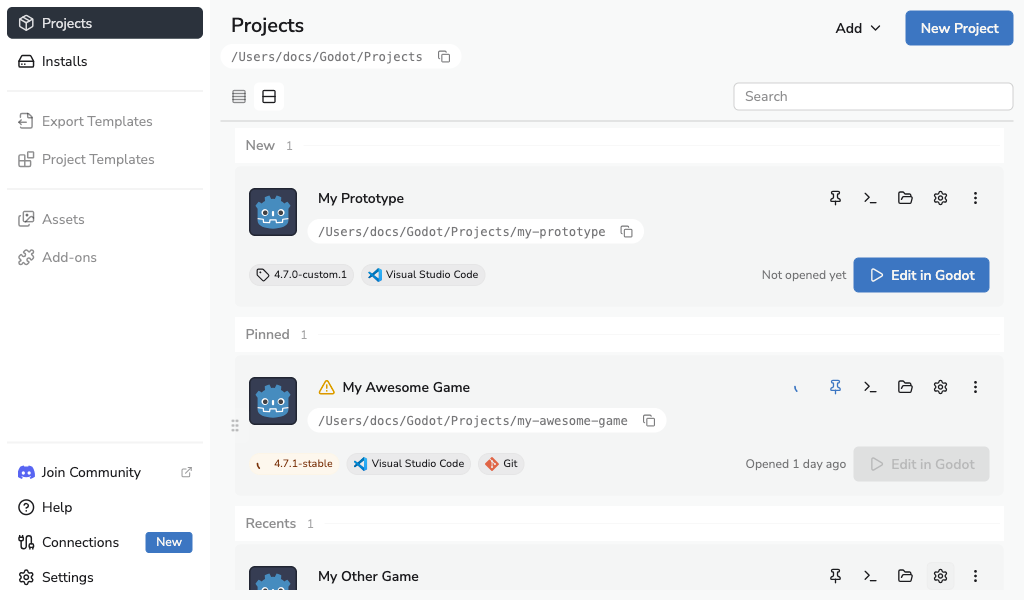
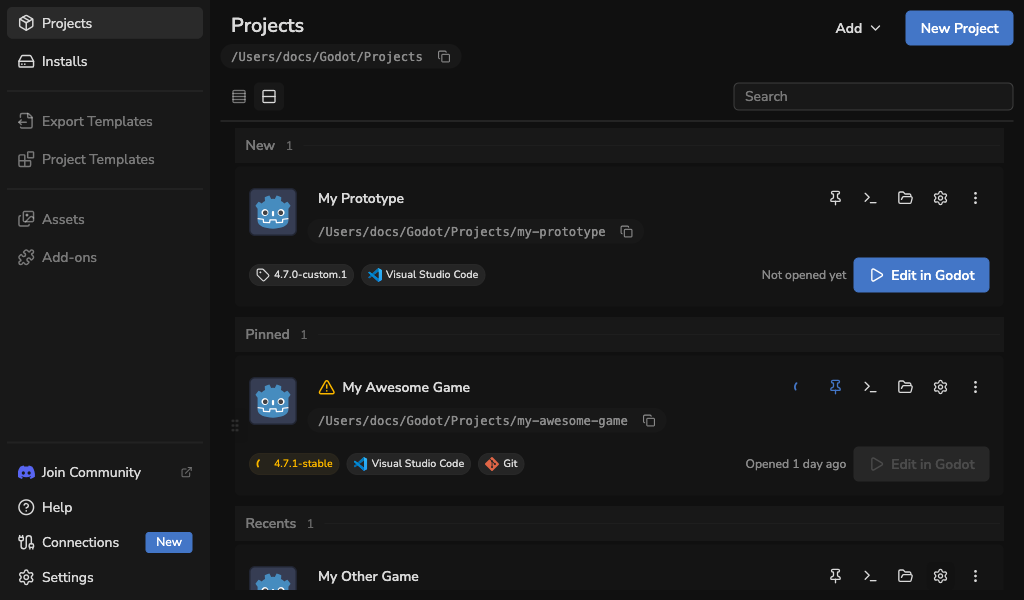
- Open the Projects view.
- Select on the project card.
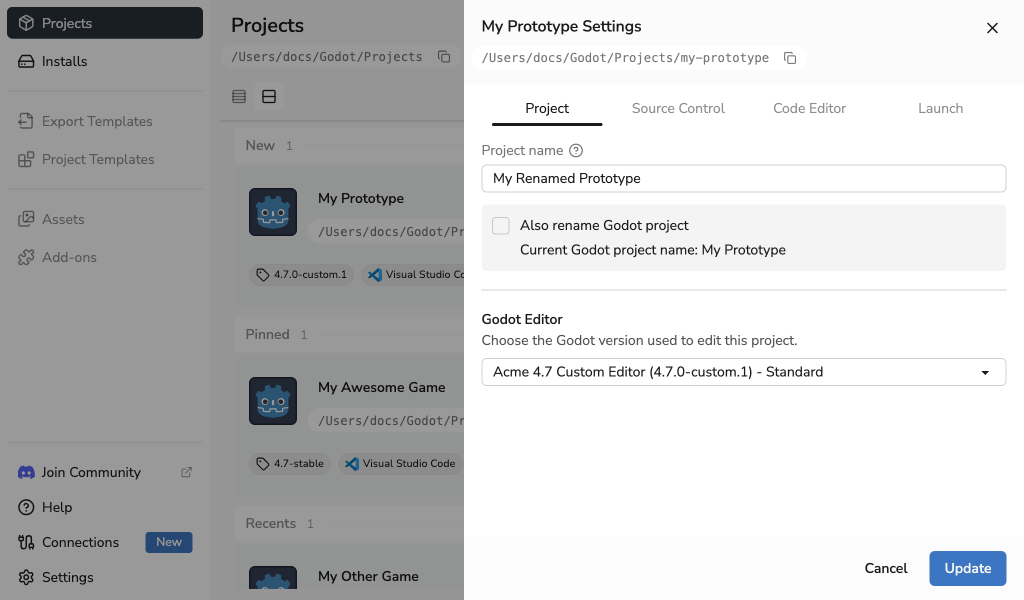
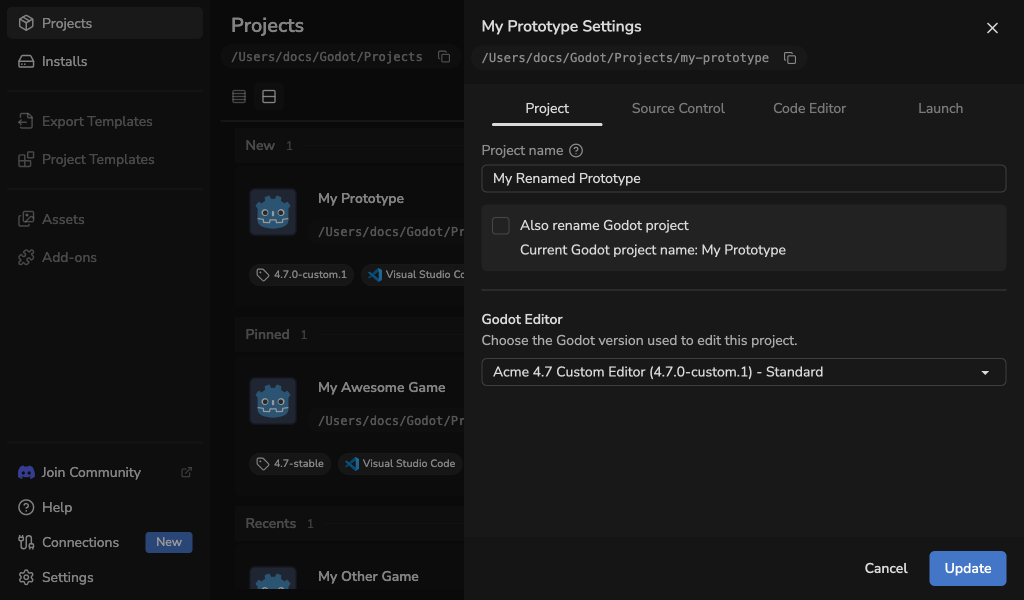
The drawer opens on the Project tab. The other tabs are Source Control, Code Editor, and Launch.
Rename a project
Edit Project name to change the name shown in Godot Launcher. The project folder on disk is not renamed.
Select Also rename Godot project if you also want to change the name stored in project.godot. Leave it off to change only the launcher entry.
The name must be unique in the launcher and cannot be empty. Select Update to save it.
Change the Godot editor
Choose an installed or registered editor from Godot Editor, or select Browse releases to download a compatible official editor. Select Install and save when the selected release is not installed, or Update for an installed editor. The project will use the saved editor the next time you open it.
For a download, the launcher saves your changes first, then closes Project Settings and starts installing the selected editor. The project immediately shows the selected version and download progress in both Cards and List views. You can continue using the app or reopen Project Settings while the editor installs. Keep Godot Launcher open until installation finishes.
If the download fails or is cancelled, the selected editor stays saved and the project remains unavailable until that editor is installed. Use Install required editor on the project to retry, or choose another installed editor in Project Settings. If saving your changes fails, the drawer stays open and the download does not start.
You can choose an editor from the same or a newer Godot major version. Check project compatibility before upgrading to a newer major version. If the project uses Visual Studio Code or VSCodium, the launcher also updates that editor's project setup.
See Change Project Editor Version for .NET editors, custom builds, and missing editor recovery.
Add Git to an existing project
Open Source Control. If the project does not have a Git repository, select Initialize Git.
This creates the repository immediately. It does not add Git template files or create a first commit. See Using Git With Godot Launcher for new-project Git setup and help when Git is unavailable.
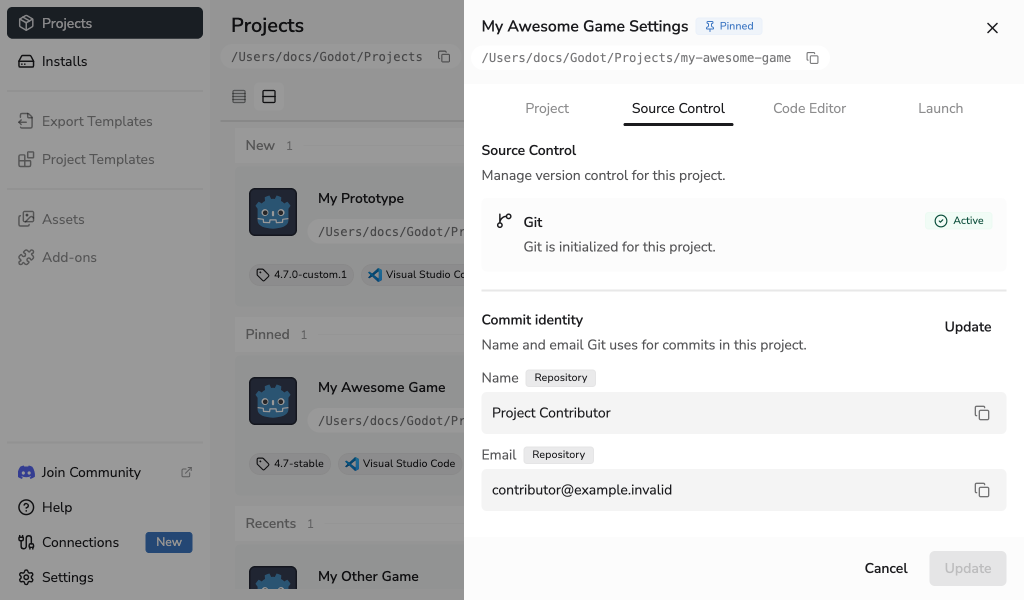
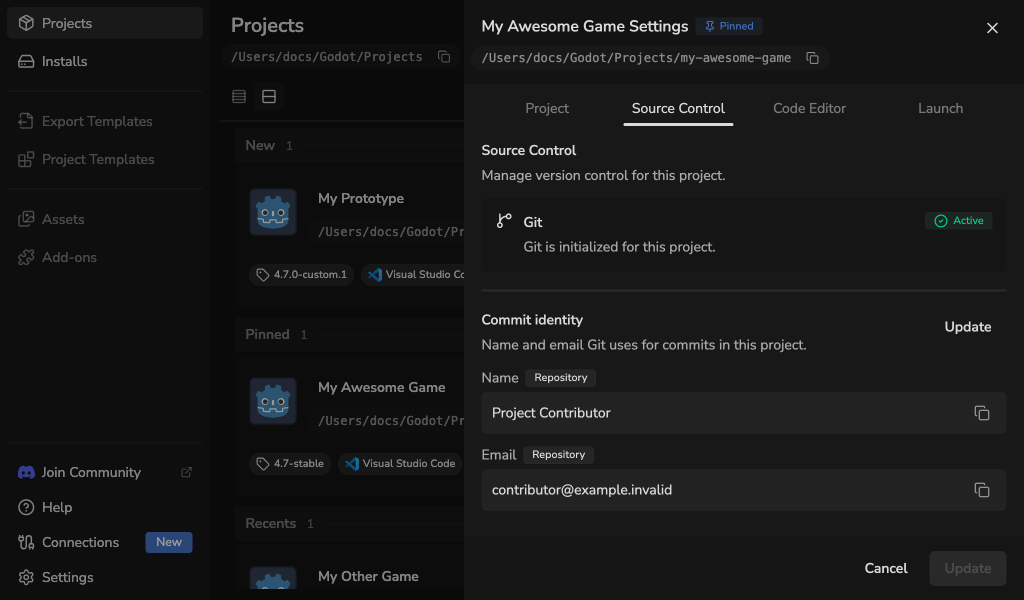
When Git is active, Commit identity shows the name and email Git will use. Select Update to save a repository-local identity for a project that is the root of its repository.
Projects inside a parent repository and linked worktrees show the effective identity as read-only. Change that identity with Git from the repository that owns it.
When Git is unavailable
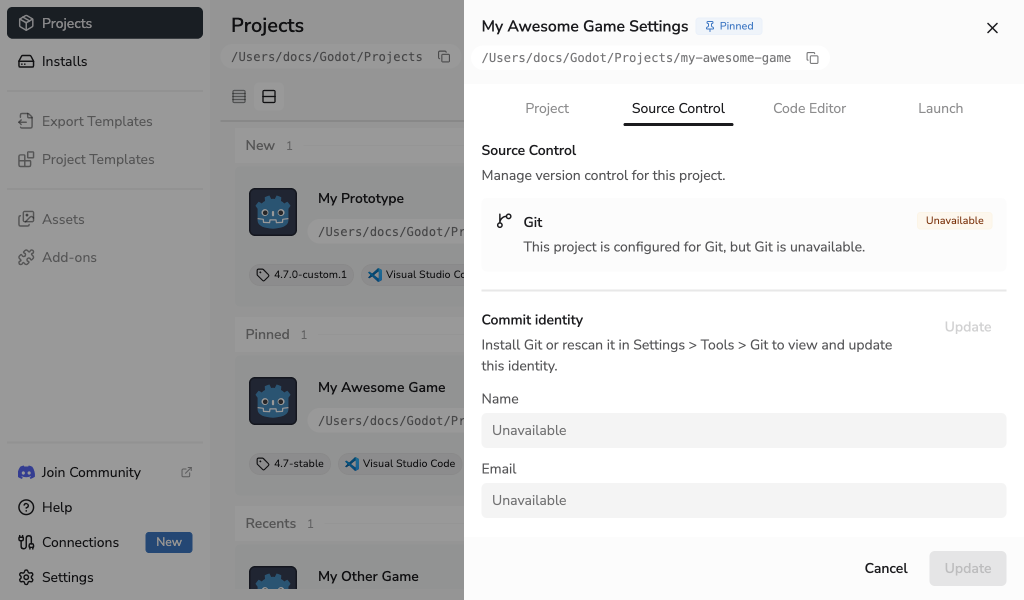
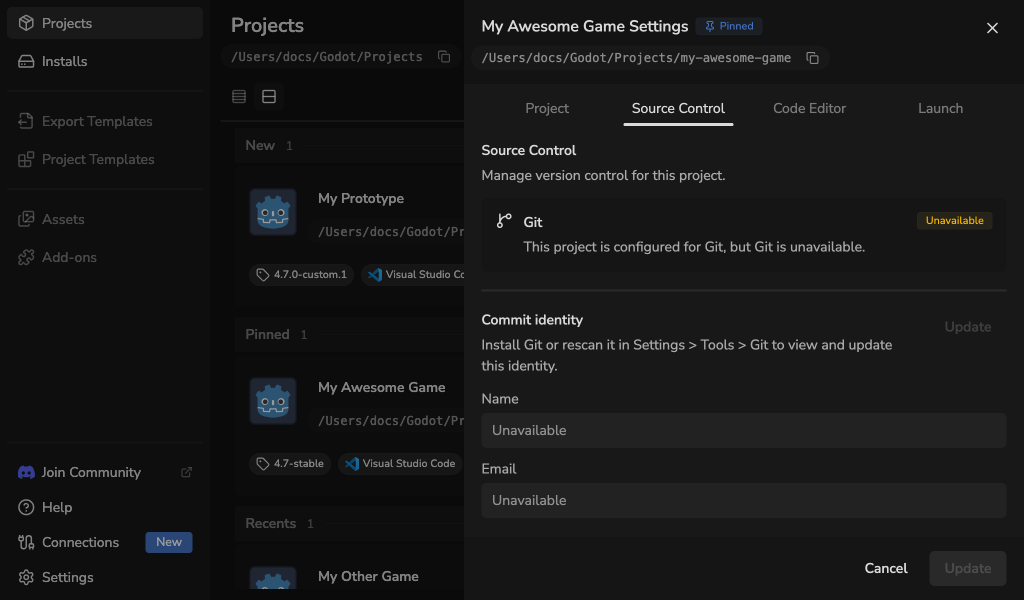
If a project is configured for Git but Godot Launcher cannot find Git, both the Git summary and commit identity show Unavailable, and Update is disabled. Install Git or open Settings > Tools > Git and rescan it, then return to Project Settings.
Choose a code editor
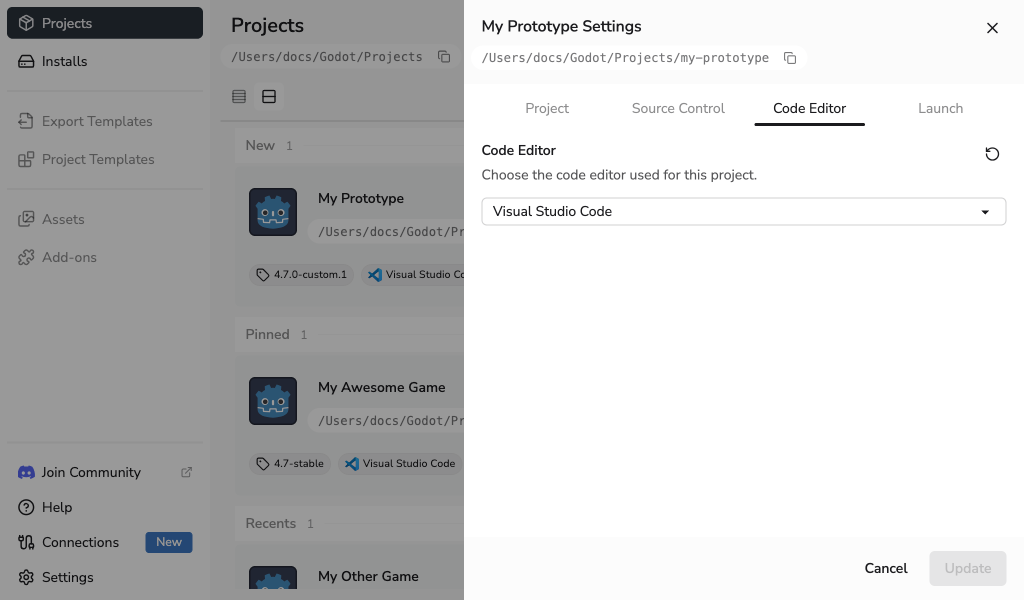
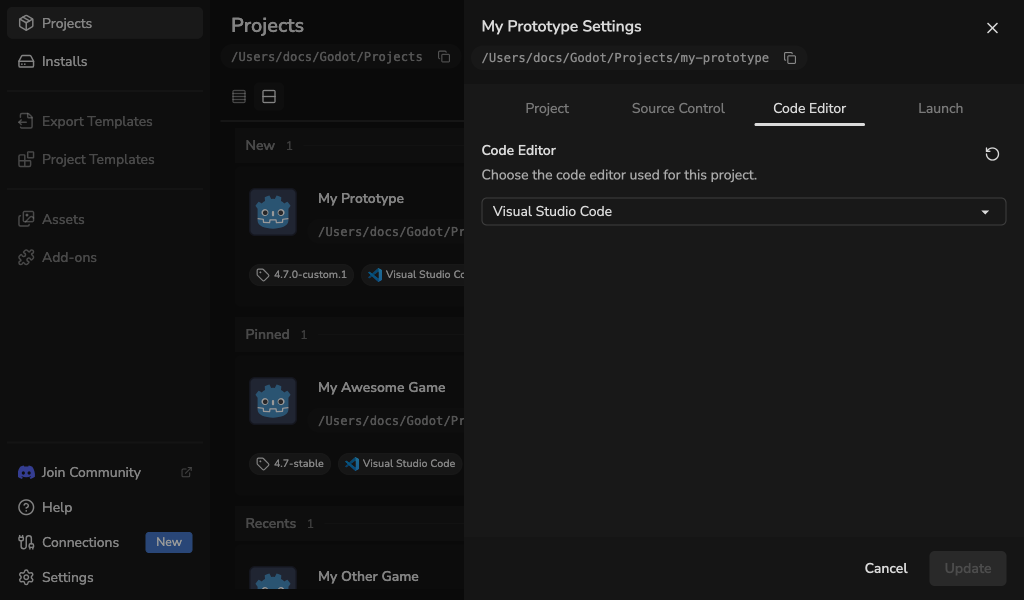
Open Code Editor and choose Visual Studio Code, VSCodium, or None. Select Update to save the choice. Godot will open project scripts in the selected editor.
Restore the code editor setup
This choice applies only on this computer. Use Reset config if Godot stops opening scripts in the selected editor. See Code Editor Settings to set up an editor or change its location.
Open Godot in windowed mode
Open Launch, enable Use windowed mode, and select Update. Godot Launcher will request a regular window each time it opens this project.
Leave this setting off if you want Godot to use its normal window behavior. See Launch a Project in Windowed Mode for more information.