Install Godot Launcher
Download Godot Launcher from the official download page. Choose the package for Windows, macOS, or Linux, then follow the platform instructions below.
For older versions or a specific installer file, see Godot Launcher releases on GitHub.
Install
Windows
Godot_Launcher-x.y.z-win_x64.exe or Godot_Launcher-x.y.z-win_arm64.exe- Download the
.exefor your processor. - Open the installer and follow the steps on screen.
- Start Godot Launcher from the installer or the Start menu.
Check Windows release signing
Windows installers are code signed through SignPath.io, with a certificate from the SignPath Foundation. See Troubleshooting if Windows blocks or warns about the installer.
Prefer managing installs from the command line? Run this command in PowerShell or Command Prompt:
Read more
macOS
Godot_Launcher-x.y.z-mac_universal.dmg- Download and open the
.dmg. - Drag Godot Launcher to the Applications folder.
- Open Godot Launcher from Applications.
Linux
In the commands below, replace x.y.z with the downloaded version and run the command from the folder containing the file. For ARM64, use the downloaded arm64 filename.
AppImage
If the AppImage reports a FUSE error, follow the AppImage FUSE instructions for your distribution, or use the .deb or .rpm package.
Make the downloaded file executable:
chmod +x Godot_Launcher-x.y.z-linux_x64.AppImage
Then double-click the file or run:
./Godot_Launcher-x.y.z-linux_x64.AppImage
Debian / Ubuntu (.deb)
Install the .deb from the download page:
sudo apt install ./Godot_Launcher-x.y.z-linux_x64.deb
Fedora / RHEL (.rpm)
Install the .rpm from the download page:
sudo dnf install ./Godot_Launcher-x.y.z-linux_x64.rpm
After installing a .deb or .rpm, open Godot Launcher from your application menu.
Complete first-run setup
On the first run, complete four steps to set up the launcher for your workflow.
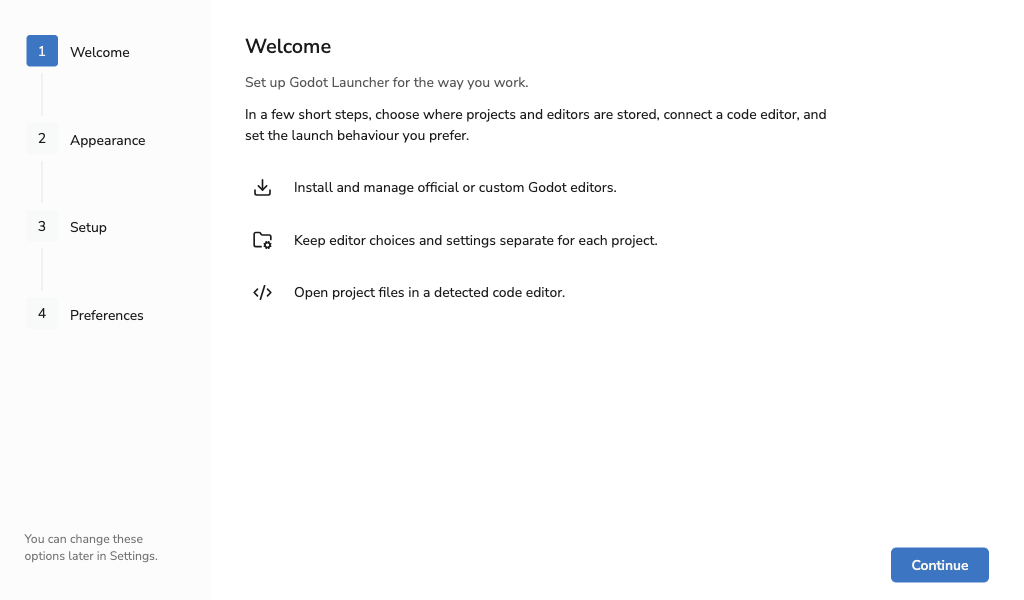
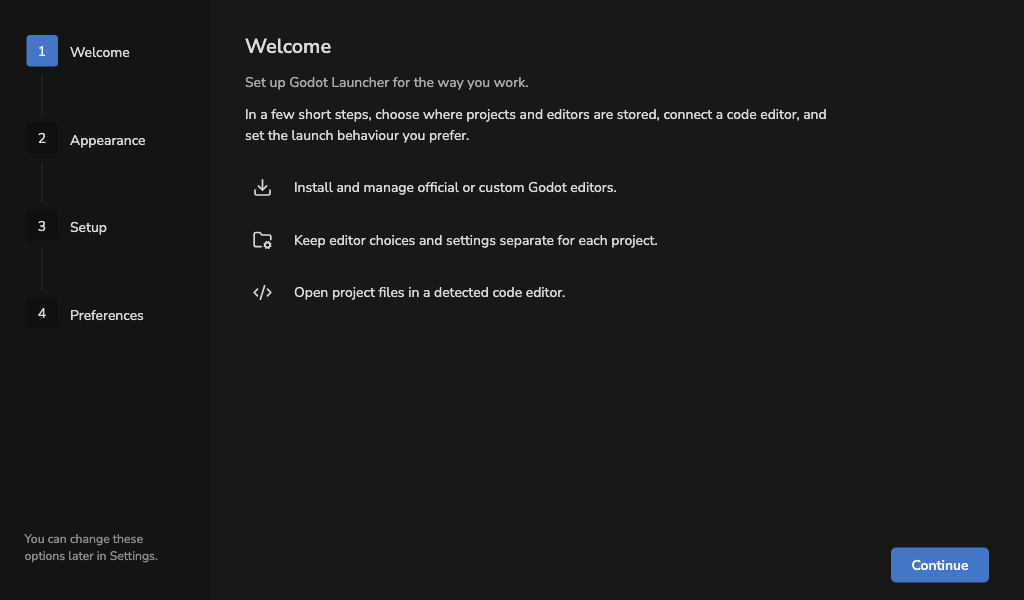
- Welcome introduces the setup.
- Appearance lets you choose the launcher theme.
- Setup confirms the project, editor, and imported export template locations and lets you choose a default code editor. On Windows, you can also enable editor symlinks to reduce disk use.
- Preferences lets you choose what happens after opening a project. On Windows and macOS, you can also choose whether the launcher starts with your computer.
Select Finish and view projects to open Projects, even when no Godot editor is installed. From there, create a project and choose an editor to download, or add existing work.
Godot Launcher uses your operating system language when a matching translation is available. Change it later under Settings > Appearance > Language. The other setup choices remain available in Godot Launcher Settings, Code Editor Settings, and Behaviour settings.
For package or startup problems, see Installation and startup troubleshooting. For Linux tray problems, see System tray troubleshooting.