Command Line Settings
Open Settings > Command line in Godot Launcher to choose whether new Godot
editors receive their own terminal command. For example, Godot 4.7.2 suggests
godot472. These named aliases are separate from the default godot command.
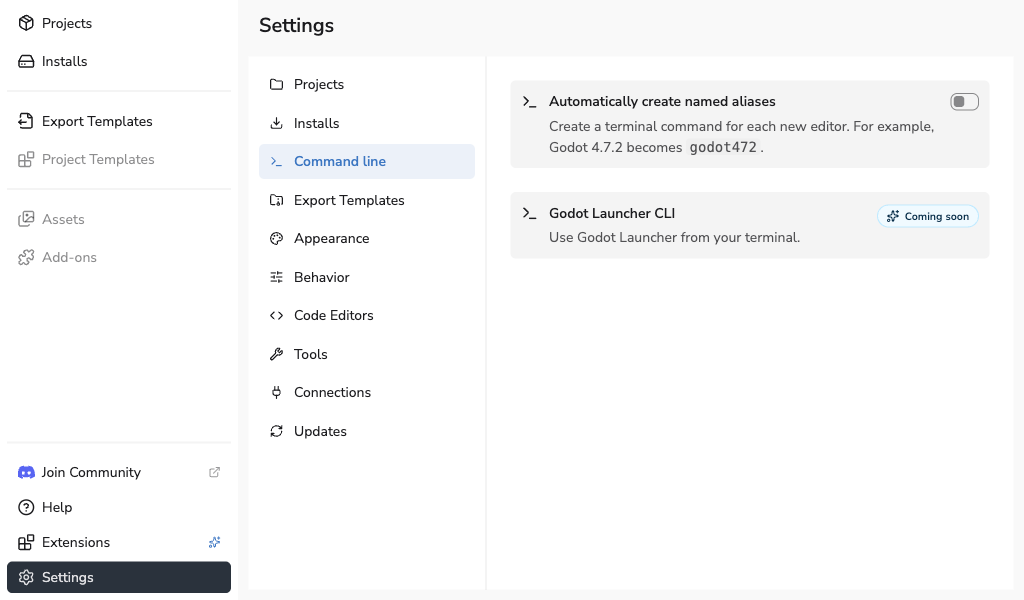
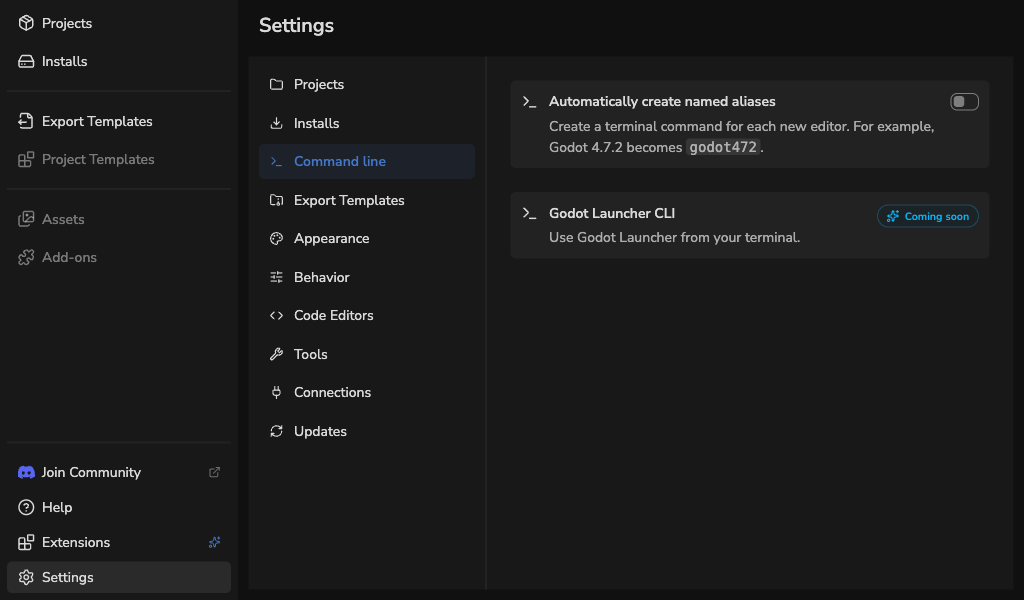
Create aliases automatically
Automatically create named aliases is off by default. Enable it to attempt alias creation when a new official editor finishes installing or a custom editor is registered for the first time. Reinstalling or replacing an existing editor does not create an additional alias.
When installed editors are missing aliases, enabling the setting offers two choices:
- Future installs only keeps existing editors unchanged.
- Create missing aliases also creates aliases for installed editors that do not already have one.
Review the counts and summary, then select Enable. The dialog stays open with Applying... while the change runs. If there are no missing aliases, the setting is enabled without an additional choice.
Suggested names include a short prerelease suffix and its number: 4.8-dev1
becomes godot48d1, 4.8-beta1 becomes godot48b1, and 4.8-rc1 becomes
godot48rc1. Alpha builds use a, such as godot48a1. Stable builds keep names
such as godot48 and godot472. .NET editions add -dotnet, such as
godot48b1-dotnet.
Existing aliases keep their names. If a suggested name is taken, the launcher skips it rather than choosing another name or overwriting a command. This can happen when a custom editor uses a name already taken by another editor. Review reported problems and create a different alias manually. An alias failure does not undo a completed editor installation or registration.
Creating missing aliases from this setting does not configure your PATH. If terminal commands have not been set up before, create a named alias manually for an editor without one, or add the command directory to your PATH using the PATH setup instructions. These options keep your current default editor.
Turn automatic aliases off
Switch Automatically create named aliases off, then choose what to keep:
- Keep all named aliases stops automatic creation and keeps every existing alias.
- Remove automatic aliases only removes aliases still recorded as automatically created. Manually created or renamed aliases are kept. Older aliases whose origin is unknown are also kept.
- Remove all named aliases removes both automatic and manual aliases, including older aliases whose origin is unknown.
Review the counts and summary, then select Turn off. The dialog stays open
with Applying... while the change runs. These choices keep your installed
editors, default godot command, and shared PATH setup.
Successful changes close the dialog without a separate results screen. If commands are skipped or fail, a notification shows the failed and skipped counts and the first reported problem. Resolve that problem, then try the remaining commands again. The launcher skips commands whose files it cannot safely change.
Manage an individual editor's alias under Installs > Settings > Command line. See Use Godot from a terminal for naming rules, renaming, removal, and recovery.
Godot Launcher CLI
The Godot Launcher CLI panel is marked Coming soon. It is a placeholder; there is no launcher command to enable here. The editor commands described above run Godot itself and are available independently of this planned feature.