Godot Launcher Documentation
Godot Launcher is an independent, cross-platform desktop companion for Godot Engine. It helps you download official Godot editor releases, register custom-built Godot editors, organize projects, and configure common development tools without repeating setup work for every project.
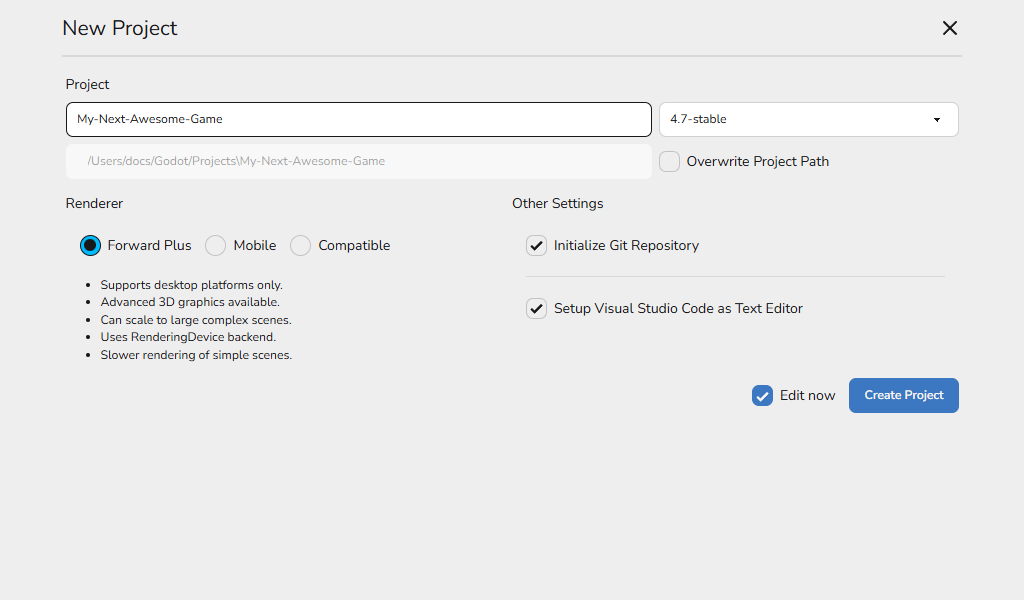
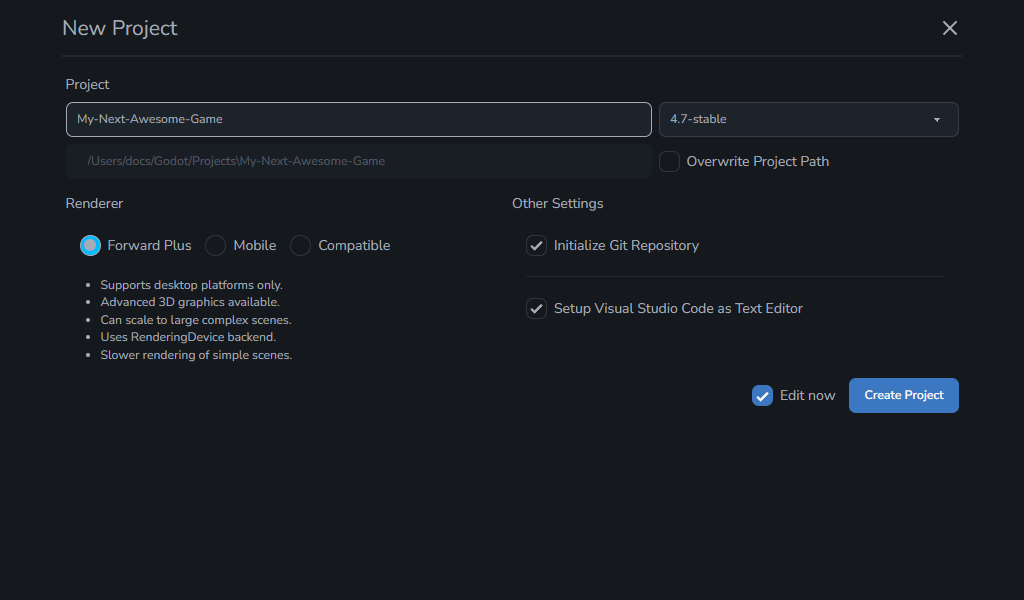
Start here
If you are new to Godot Launcher, follow these pages in order:
- Install Godot Launcher
- Install a Godot editor
- Create your first project
- Add an existing project
- Configure launcher settings
Common tasks
- Register a custom-built Godot editor
- Change the editor version for a project
- Use Git with Godot Launcher
- Set up Visual Studio Code for Godot
- Manage launcher updates
- Troubleshoot a problem
What Godot Launcher manages
- Editor installs: Download official Godot releases and register custom-built Godot editors.
- Projects: Create new projects, import existing
project.godotfiles, and choose the right editor per project. - Development tools: Initialize Git and configure VS Code from project workflows.
- Project-specific settings: Keep Godot editor settings isolated across projects and editor versions.
- Godot Launcher behavior: Configure appearance, language, startup behavior, system tray access, update checks, and tool detection.
- Platform-specific workflows: Use winget on Windows, optional Windows editor symlinks, and Linux startup workarounds when needed.
Community and contributing
Godot Launcher is free, open source, and community-driven.
Use these links when you want to report an issue, help with docs, contribute code, or follow planned work.
- Contributing Guide
- Translation Contribution Guide
- Join the Godot Launcher Discord
- Report a bug or suggest a feature
- Roadmap on GitHub
Source repositories
- Godot Launcher (main app): github.com/godotlauncher/launcher
- Website: github.com/godotlauncher/launcher-website
- Documentation: github.com/godotlauncher/launcher-docs