Create Your First Project
Create a Godot project and choose the tools you want to use with it. Godot Launcher can prepare a Git repository, publish it to a new private GitHub repository, and open the project when it is ready.
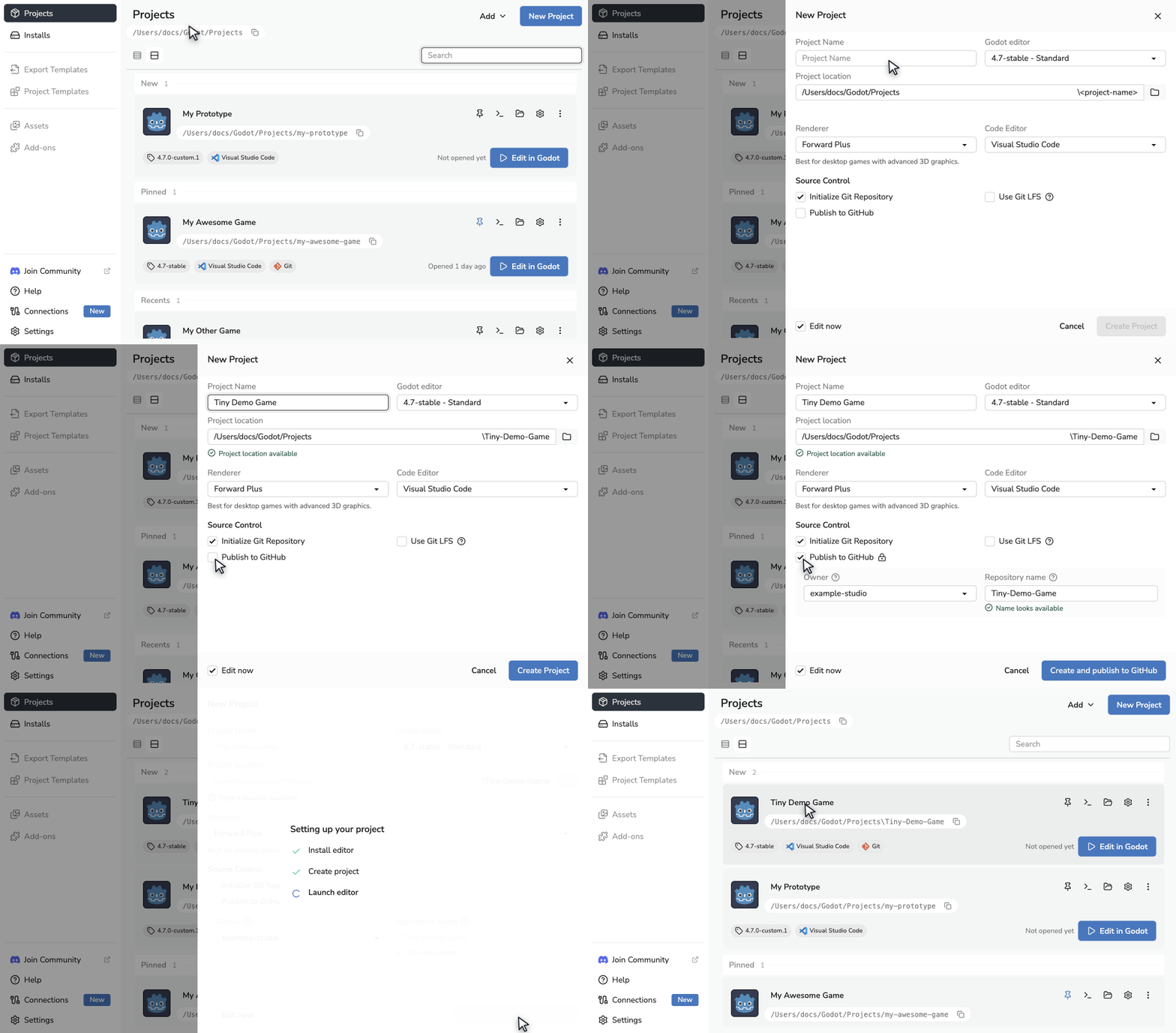
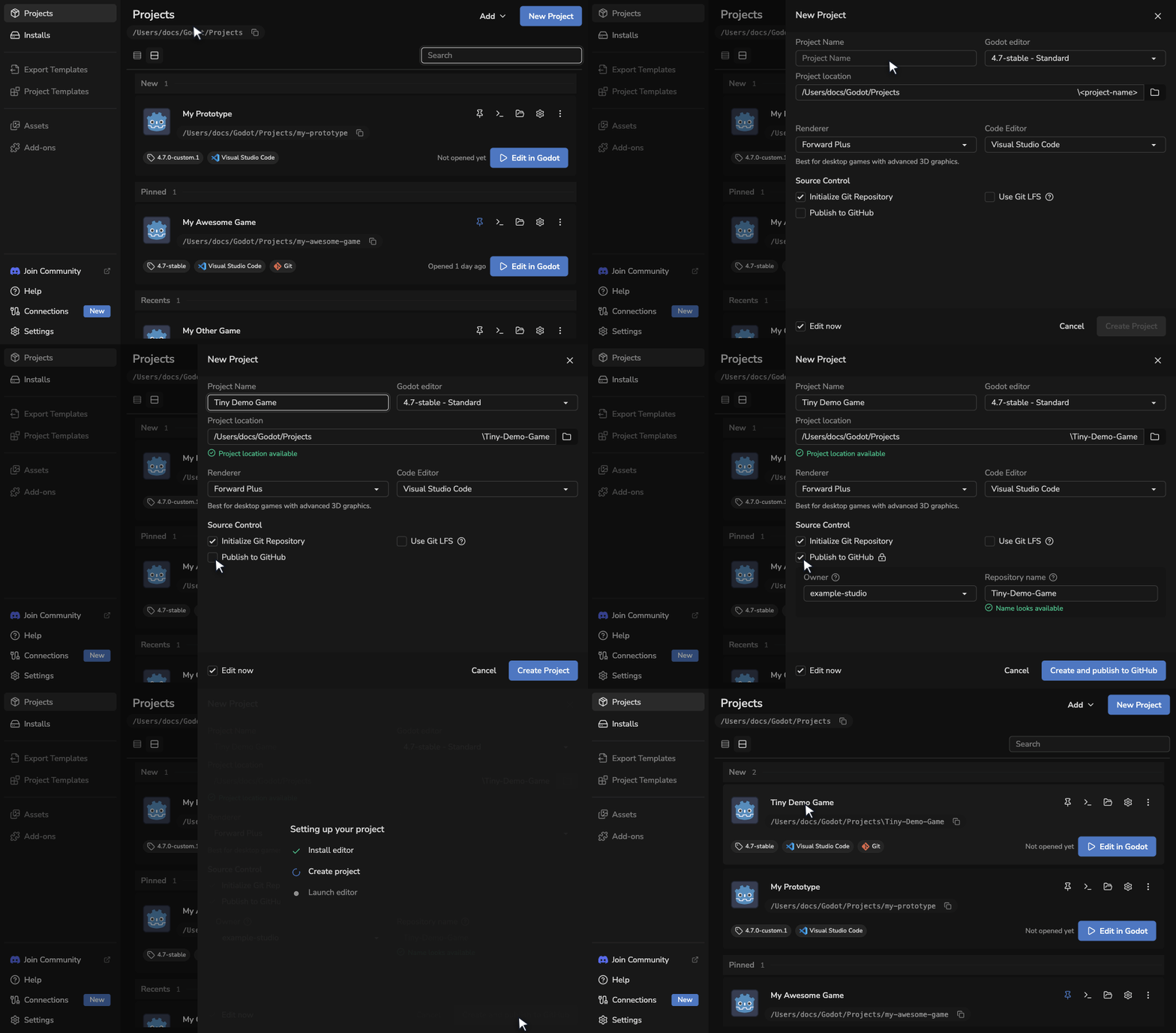
Create a project
- Open Projects. Select New Project when you already have projects, or Create project from the empty welcome screen.
- Enter the project name and check the project location shown below it.
- Choose the Godot editor and renderer. You can choose an installed editor or browse releases to download one.
- Choose whether to set up Git, Git LFS, a code editor, and GitHub publishing.
- Leave Edit now enabled to open the project when it is ready.
- Select Create Project, or Create and publish to GitHub when publishing is enabled. If the selected editor needs downloading, these actions become Install and create project or Install, create and publish.
Choose the project folder
New projects use the folder set in Settings > Projects > Project Location. Edit Project location directly or use its browse button to select a different parent folder for this project only. Select Use default location to return to the saved setting.
The folder preview shows the folder that will be created. For example, a project named My Next Awesome Game uses My-Next-Awesome-Game as its folder name.
The launcher checks the complete project location while you fill in the form. It enables creation only when that location is available, then checks it again before it downloads an editor or writes files. The launcher can use an empty folder, but it will not overwrite one that already contains files. Use Add an Existing Project if the folder already contains a Godot project.
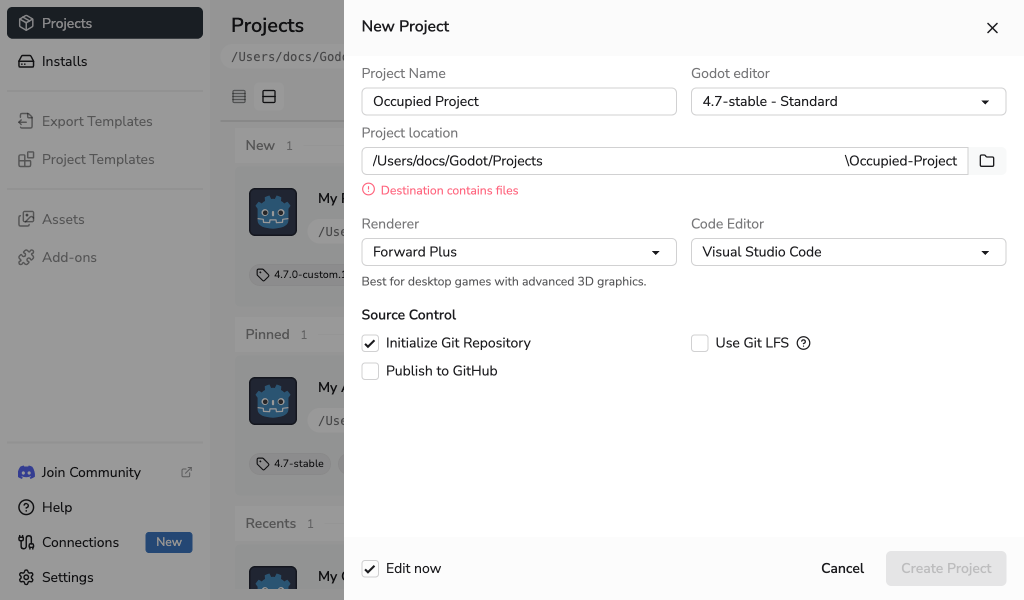
Before writing any files, the launcher warns you if the planned project folder is inside another Git repository.
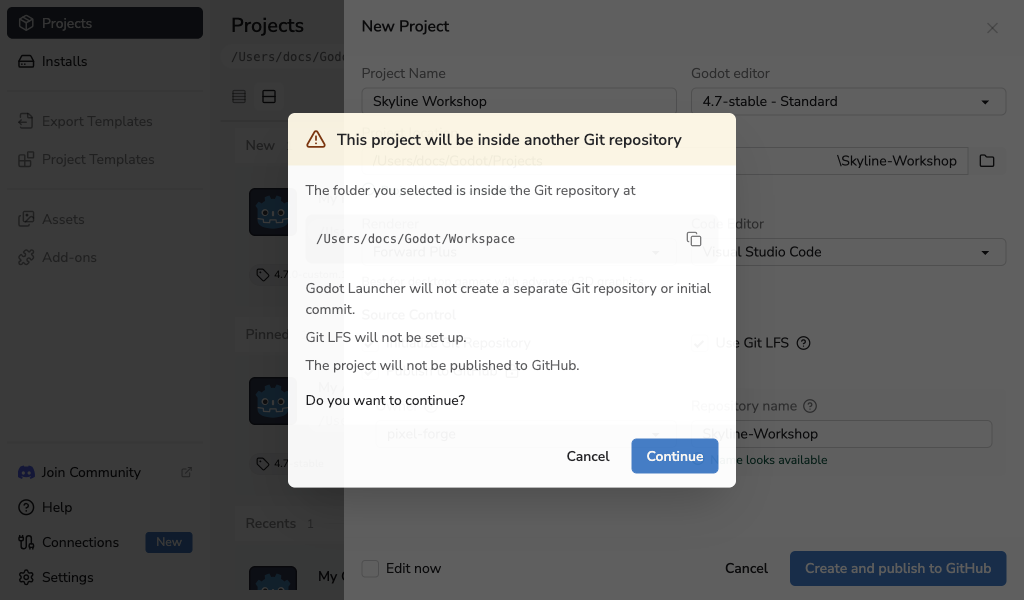
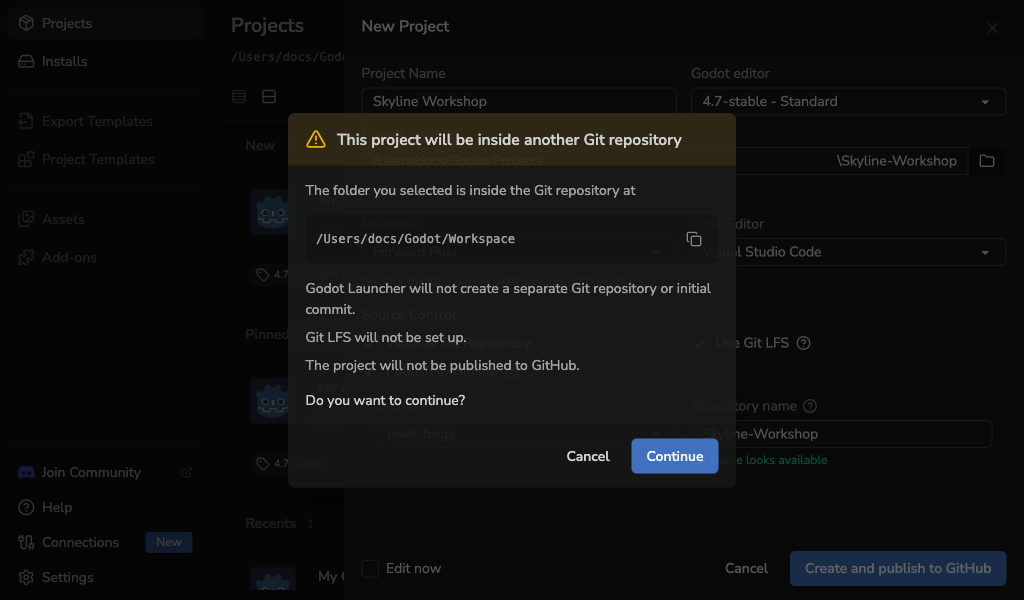
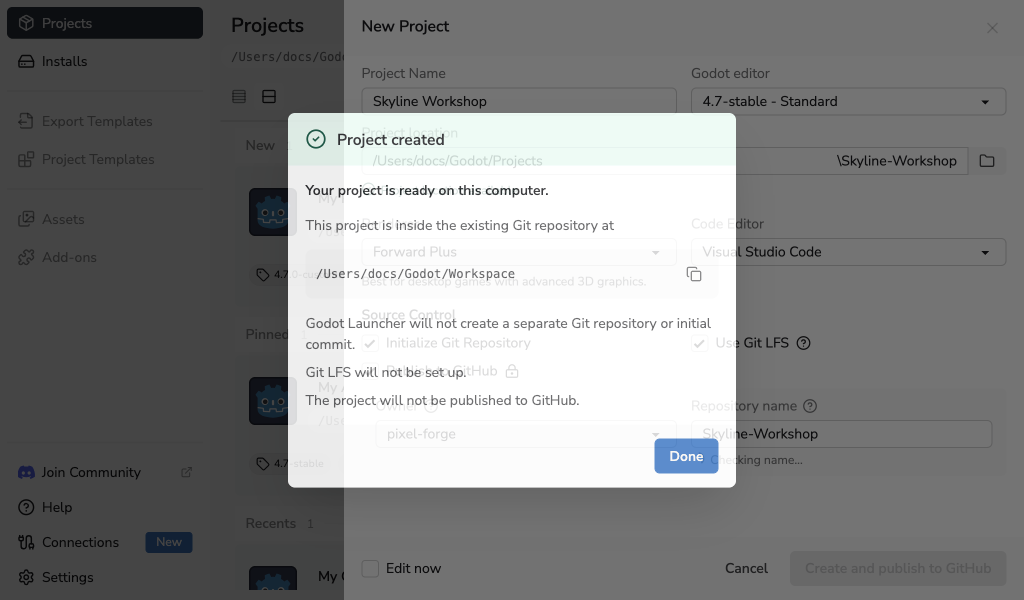
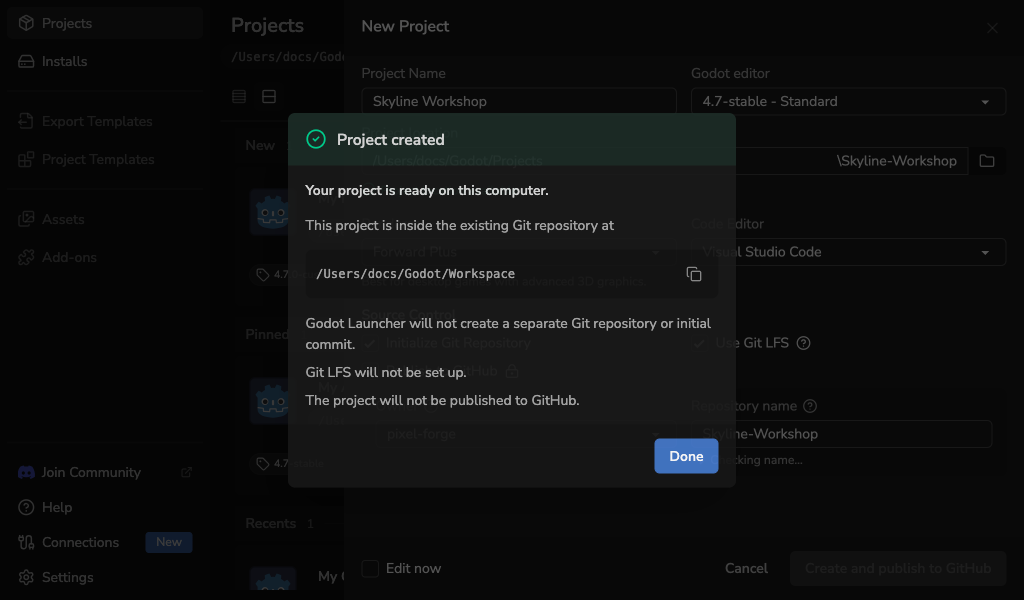
Select Cancel to return to the unchanged form. If you select Continue, the launcher creates the project without creating a nested repository, changing Git LFS settings in the parent repository, or publishing to GitHub. The completion message repeats every action that was skipped.
Choose the Godot editor
Choose the Godot editor that will open the project. Registered custom-built editors appear with official installed releases. Select Browse releases to search the release catalogue, switch between stable and pre-release builds, and choose Standard or .NET. Releases are grouped by major and minor version. A selected release that is not installed is downloaded before the launcher creates the project. If the catalogue cannot load or refresh, select Retry; the form and selected editor stay in place.
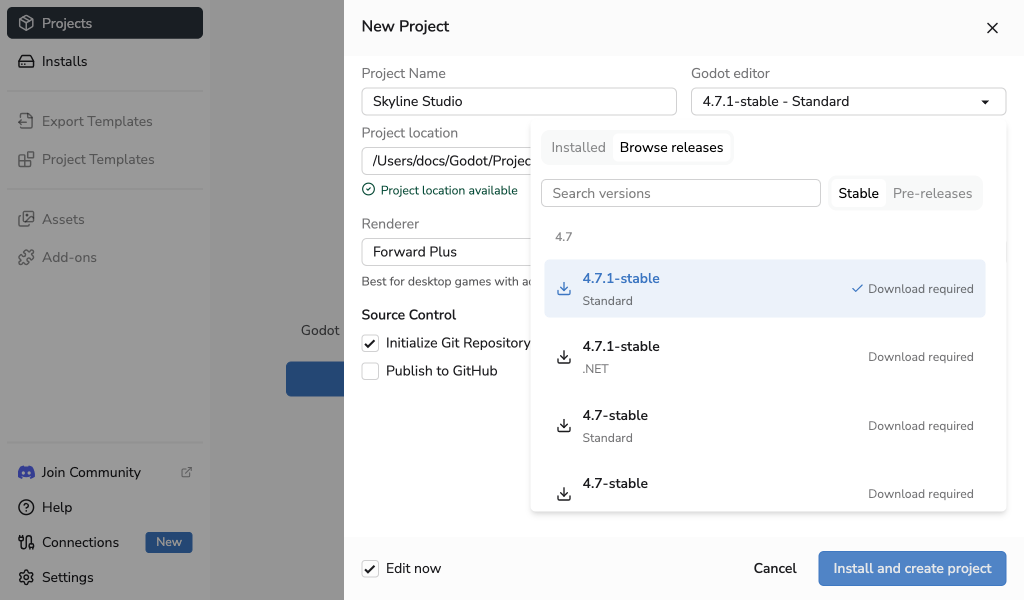
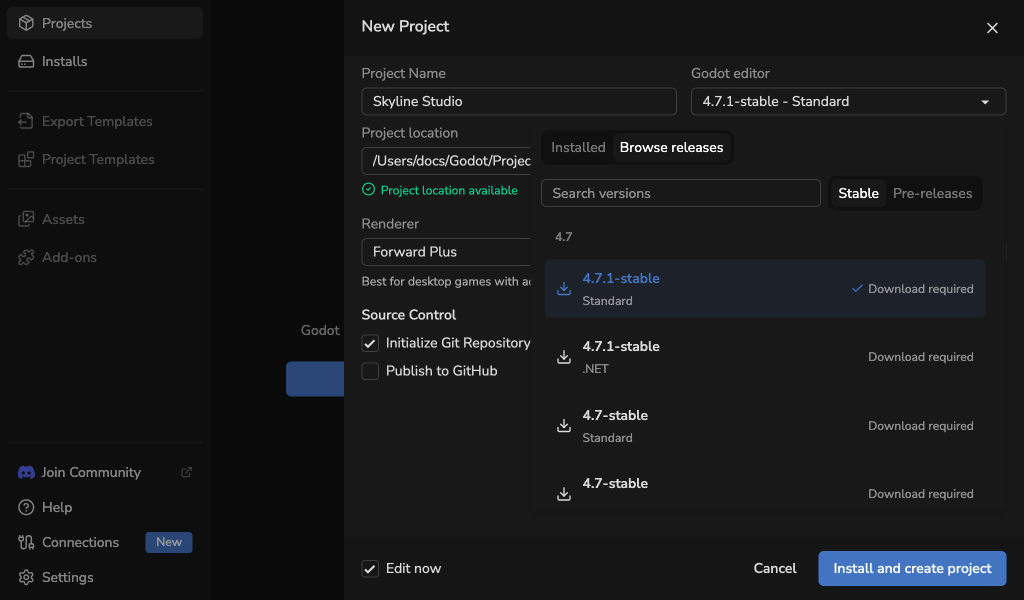
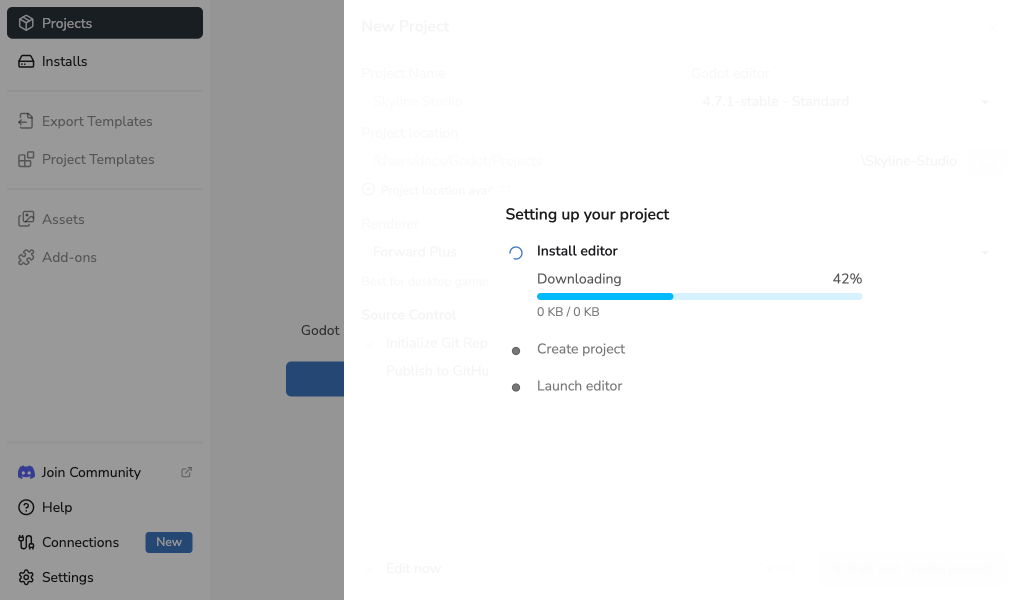
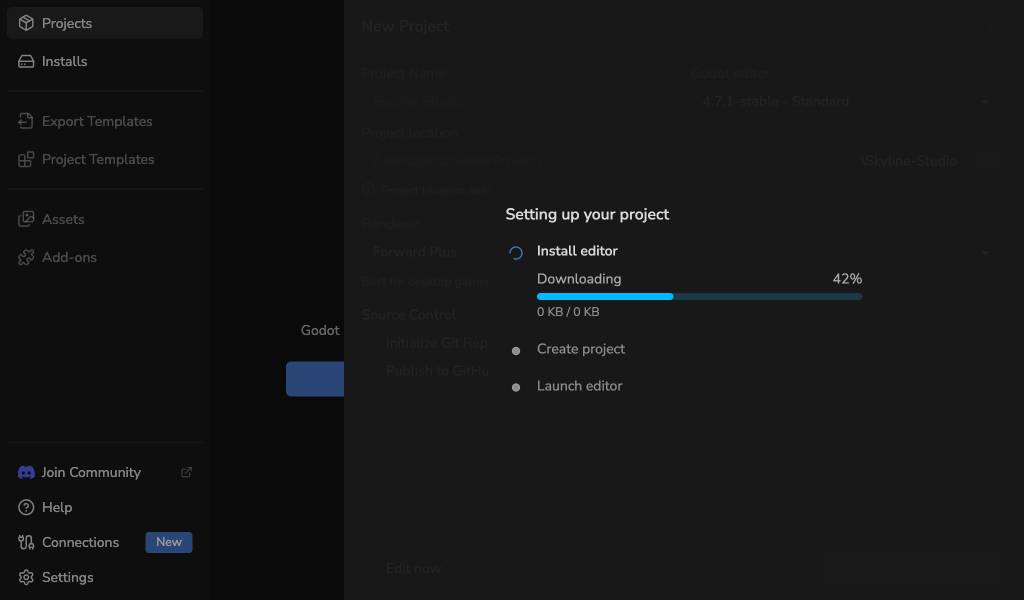
After you select a downloadable editor, the create button describes the work it will do. A progress panel shows editor installation, project creation, and optional editor launch. If the editor installation fails, no new project is created. If installation or creation fails, acknowledge the alert to return to your retained form and try again.
See Custom-Built Godot Editors to register your own build.
Choose a code editor
Choose Visual Studio Code or VSCodium if you want Godot to open project scripts in that editor. Choose None if you do not want to use a code editor for this project.
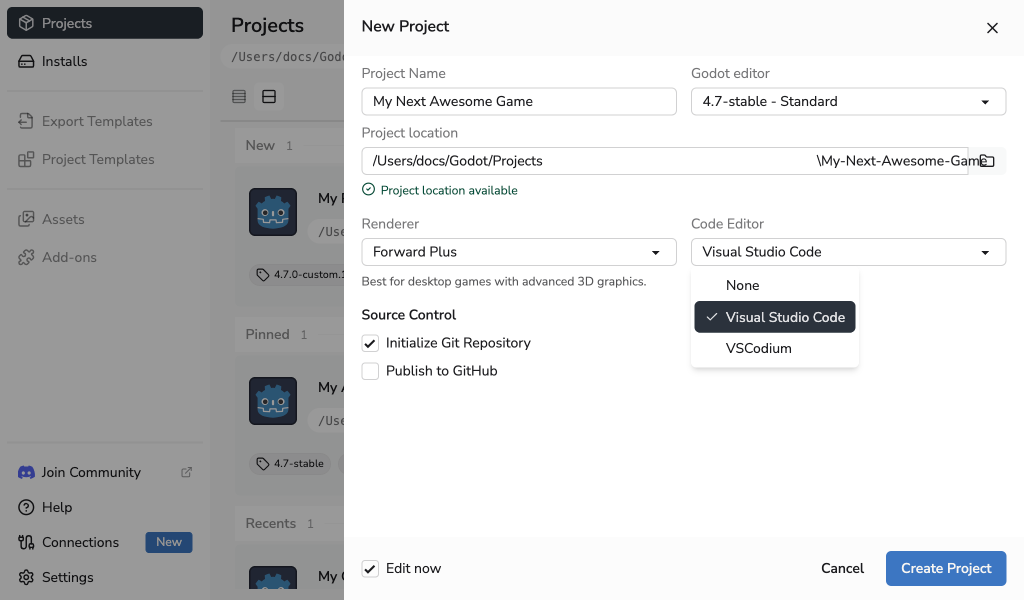
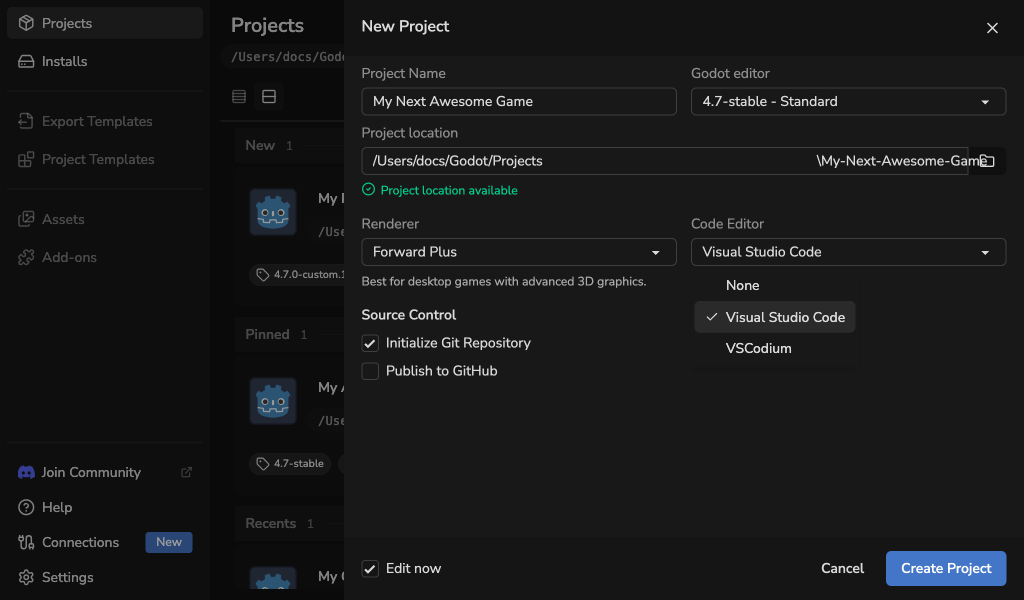
Your default code editor is preselected when it is available. See Code Editor Settings to set the default or make an editor available.
Set up Git
When Git is available, Initialize Git Repository is enabled by default. The new project gets recommended Godot ignore rules, a main branch, and an initial commit.
The launcher creates the default .gitignore and .gitattributes files even when Git is disabled or unavailable, so the project is ready for version control later.
If Git LFS is also available, enable Use Git LFS for large assets to add the launcher's documented Godot asset policy to the new repository. Open the help panel beside the option to review every tracked file pattern before creating the project.
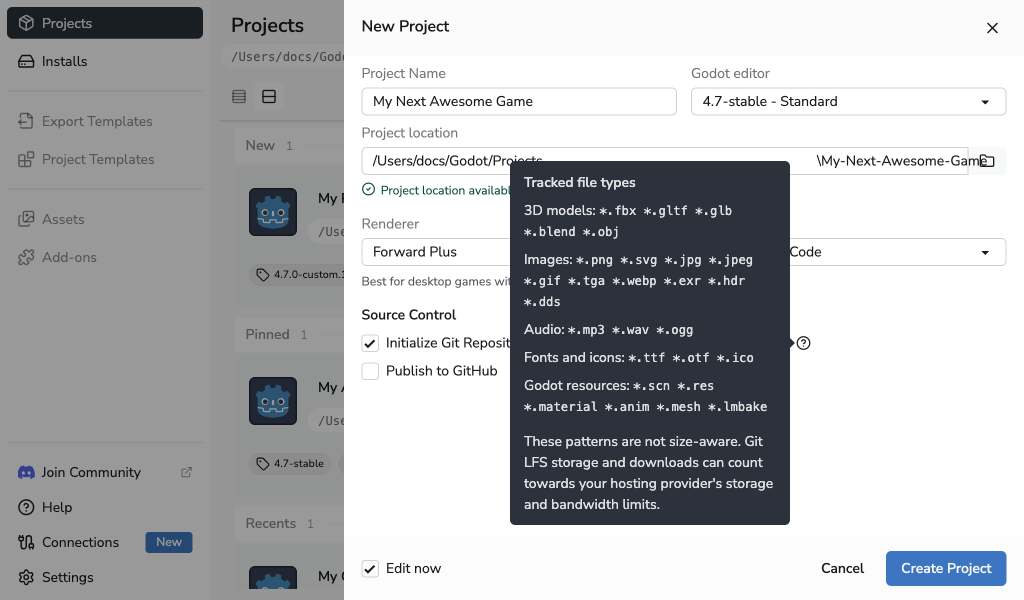
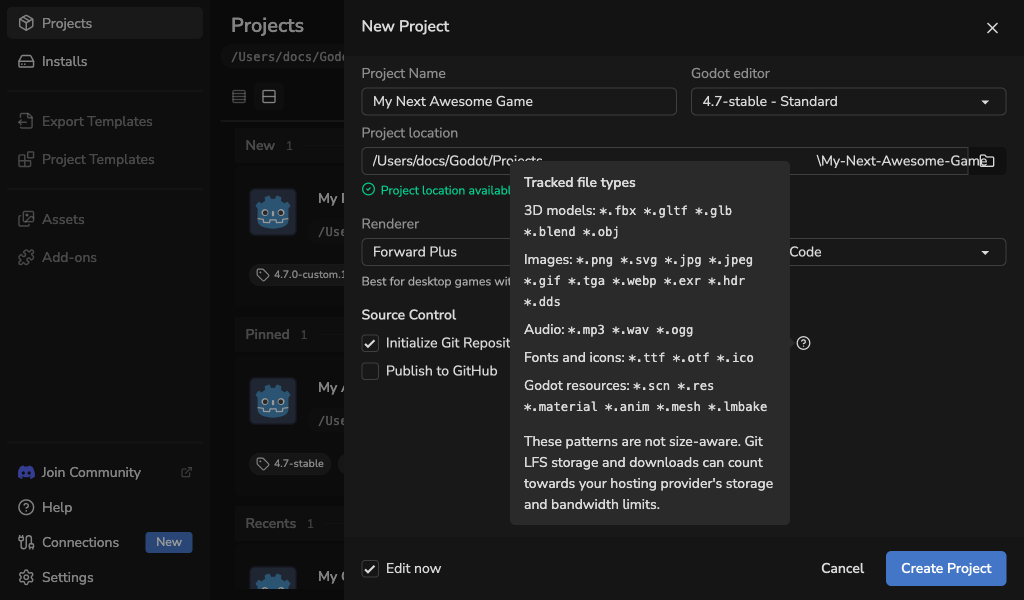
The launcher initializes Git LFS locally, writes the selected tracking rules to .gitattributes, and verifies them before the first commit. If you skip the initial commit, .gitattributes remains unstaged with the other new project files. Git LFS setup stops safely if the tool becomes unavailable or the folder is already inside another Git work tree.
Git LFS setup is available only for a new repository created by Godot Launcher. It does not migrate existing files or rewrite Git history. Your Git LFS host may apply storage and bandwidth limits.
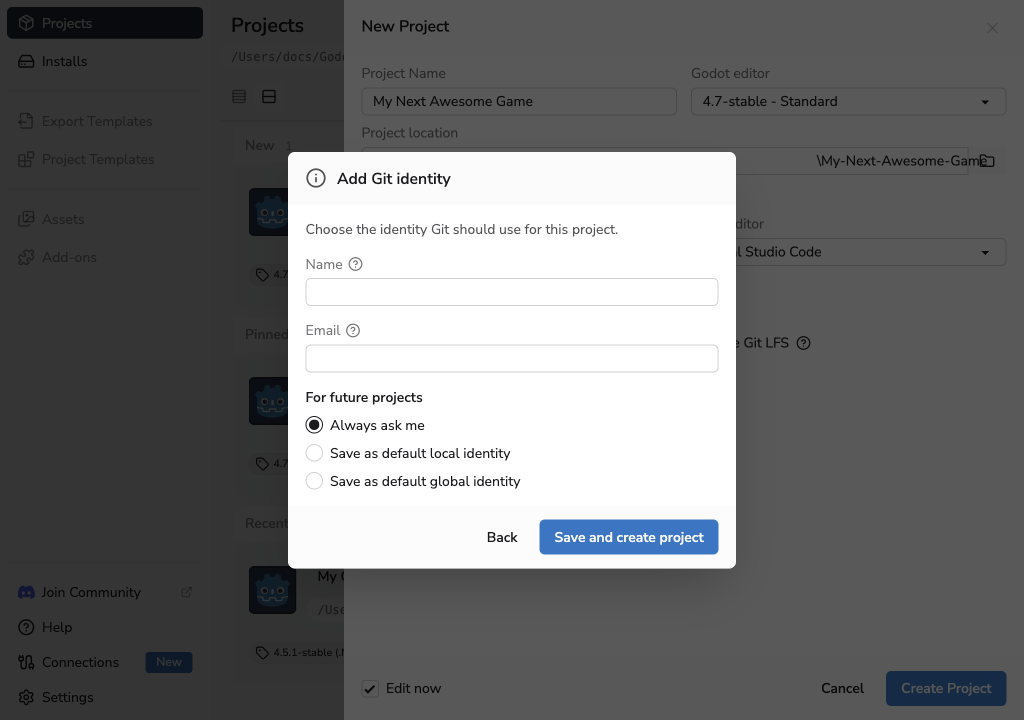
Git needs your name and email for the first commit. The launcher uses your complete global Git identity when no project preset is saved.
You can save a separate Project identity preset in Git Settings:
- When automatic use is enabled, the launcher writes the preset only to the new repository before its first commit.
- When automatic use is disabled, the launcher asks whether to use the preset or your global identity. If the global identity is incomplete, you can enter a different identity or skip the initial commit.
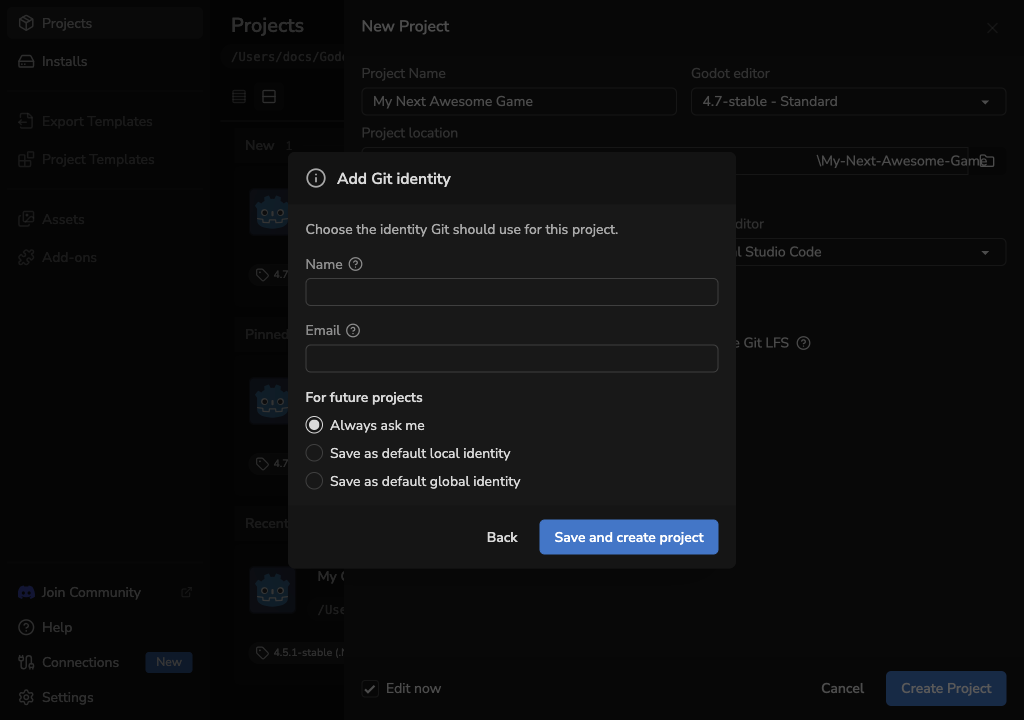
Without a preset, an incomplete global identity keeps the existing recovery choices: Add Git identity or Skip initial commit. When you add an identity, choose what should happen for future projects:
- Always ask me writes the identity only to the new repository and saves no default.
- Save as default local identity writes it to the new repository and saves an automatic project identity preset for future repositories created by Godot Launcher.
- Save as default global identity writes it to Git's global configuration for repositories without a local override.
Publish a new project to GitHub
Enable Publish to GitHub to create one new private GitHub repository and push the initial main branch. Publishing requires:
- Initialize Git Repository and an initial commit;
- a complete Git identity;
- an available GitHub connection with the current publishing permissions; and
- Git LFS when Use Git LFS for large assets is selected.
If GitHub needs a connection or updated permissions, select Connect GitHub. The shared connection flow keeps the project form available while you complete the browser steps, then reloads the available repository owners when you return.
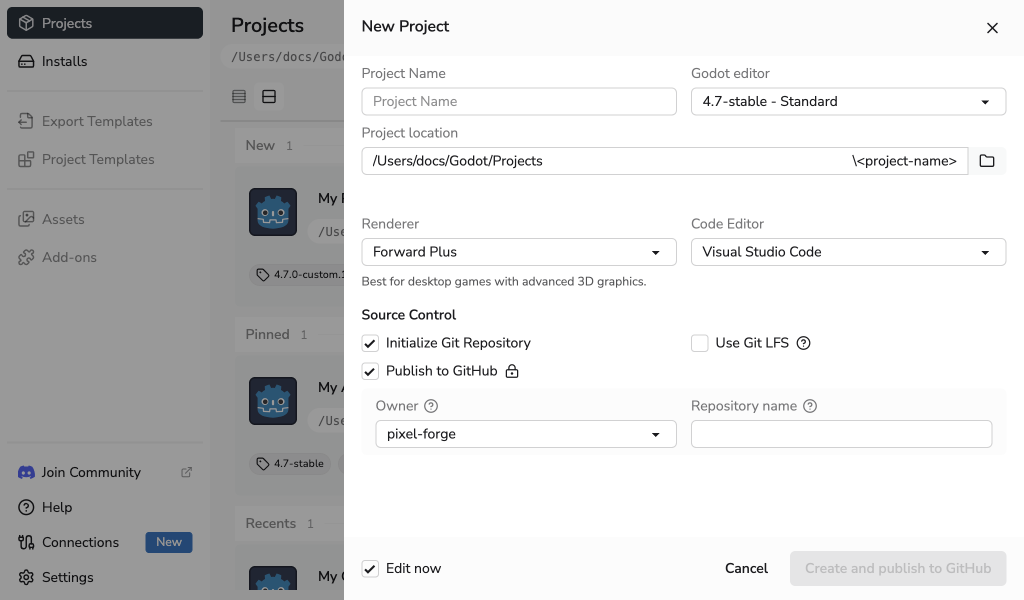
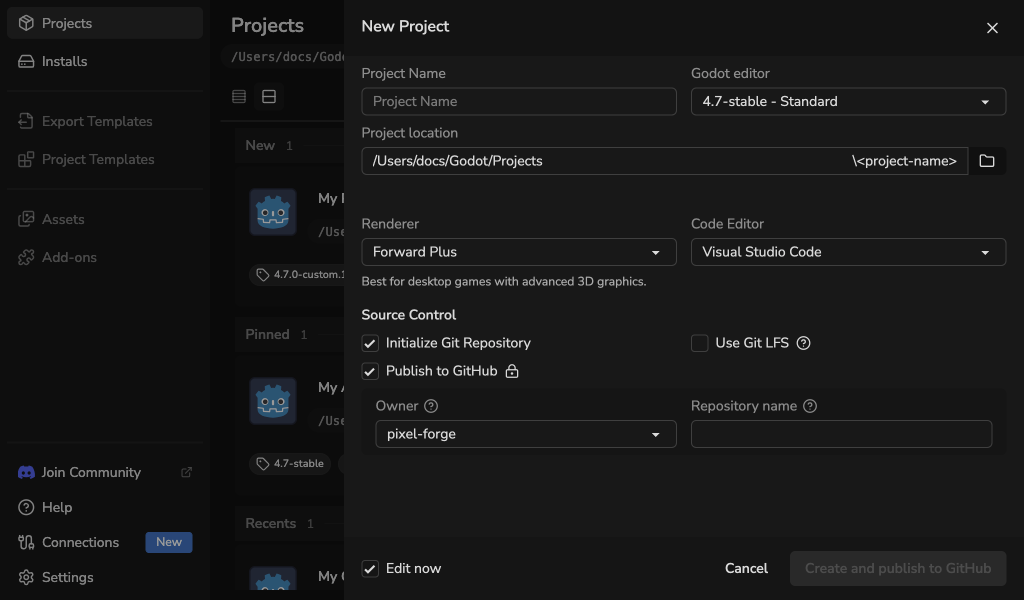
Choose the connected personal account or organization that will own the repository. The launcher suggests a repository name from the project name, but you can edit it before creation. Only private repositories are supported in this workflow.
After you stop typing, the launcher checks whether the name appears available. A green Name looks available result lets you continue, but GitHub makes the final decision when the repository is created.
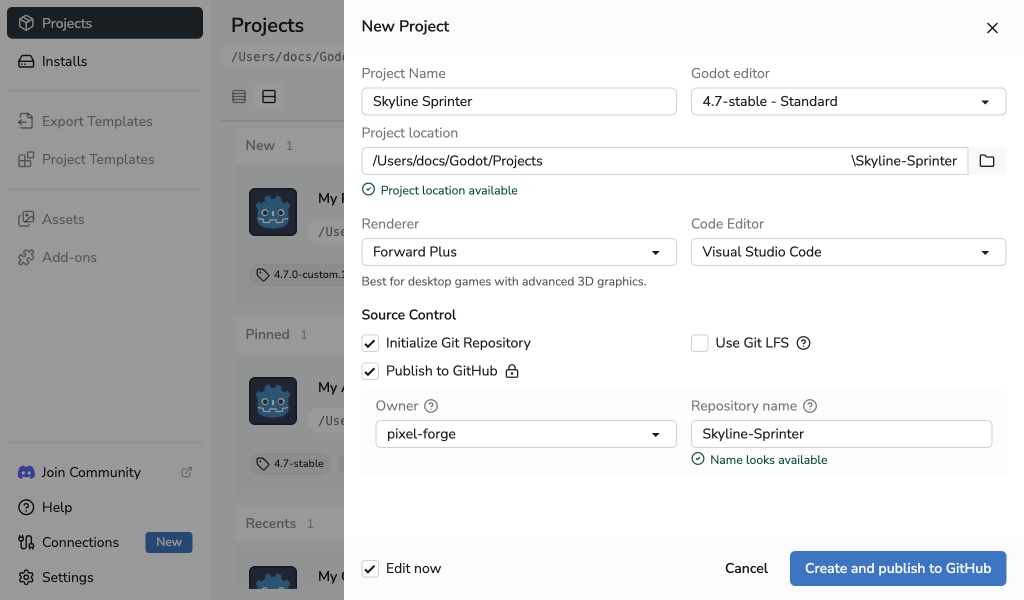
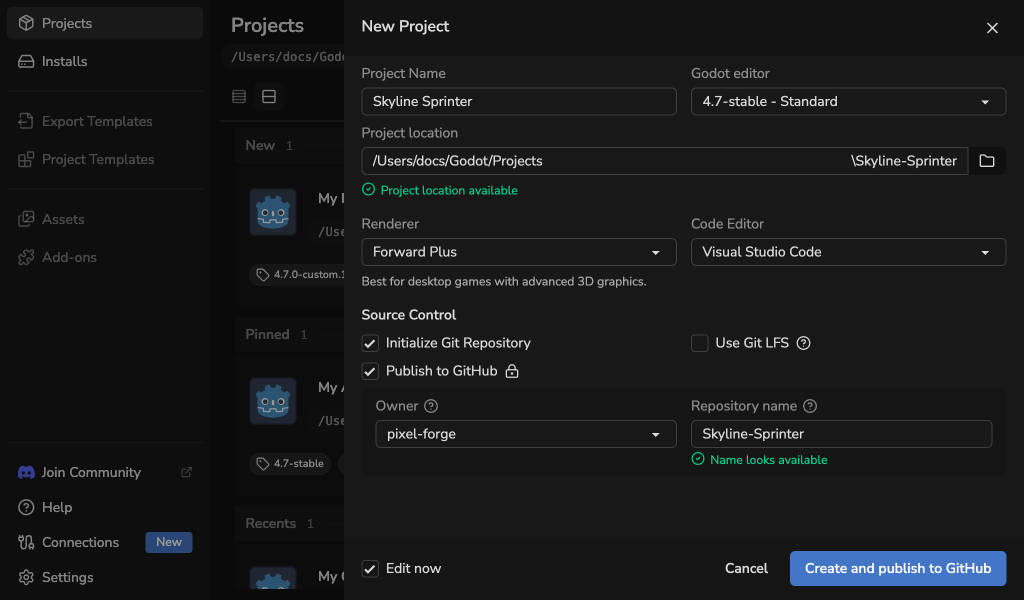
A confirmed Name already in use result blocks creation until you choose another name. Network, rate-limit, or permission checks may be inconclusive; the launcher does not describe those results as proof that a name is available.
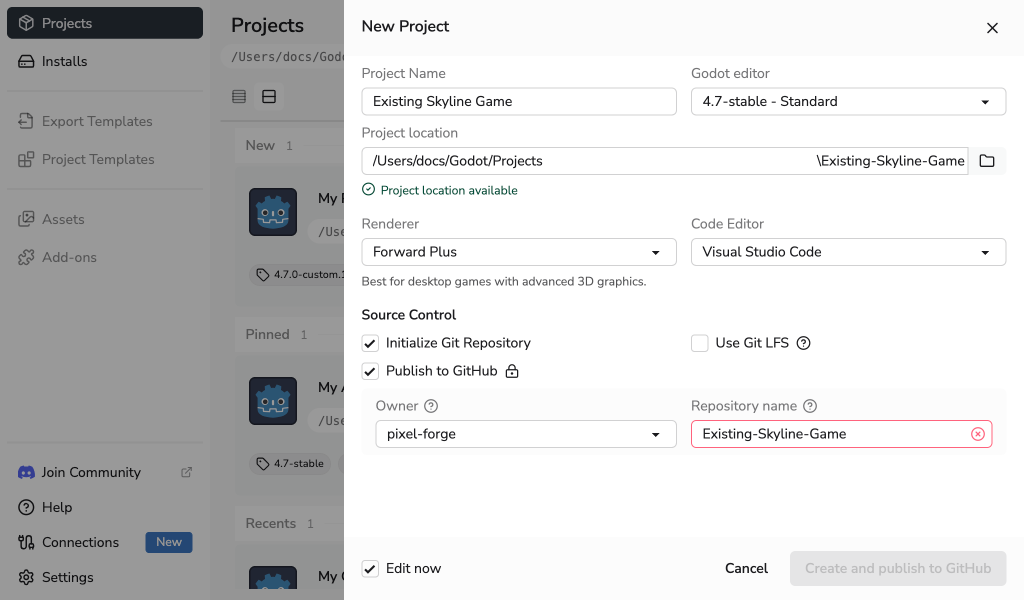
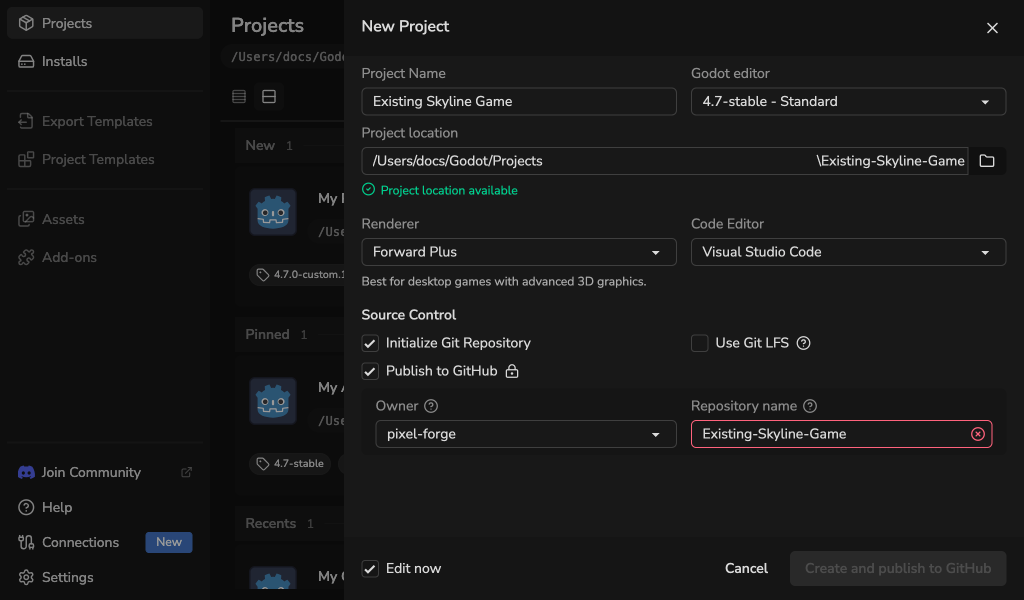
The launcher completes and registers the local project before creating the remote repository. It then adds a token-free HTTPS origin, uploads required Git LFS objects, pushes main, and verifies the remote. A remote failure never removes the local project or a repository that GitHub may already have created.
If publication cannot finish, use the recovery dialog to correct an owner or name and retry. For an ambiguous network result, Check and retry verifies the exact intended repository before another creation request. The launcher asks before using an exact empty repository found during that check. Select Continue locally when you want to keep the completed local project without finishing publication in this launcher session.
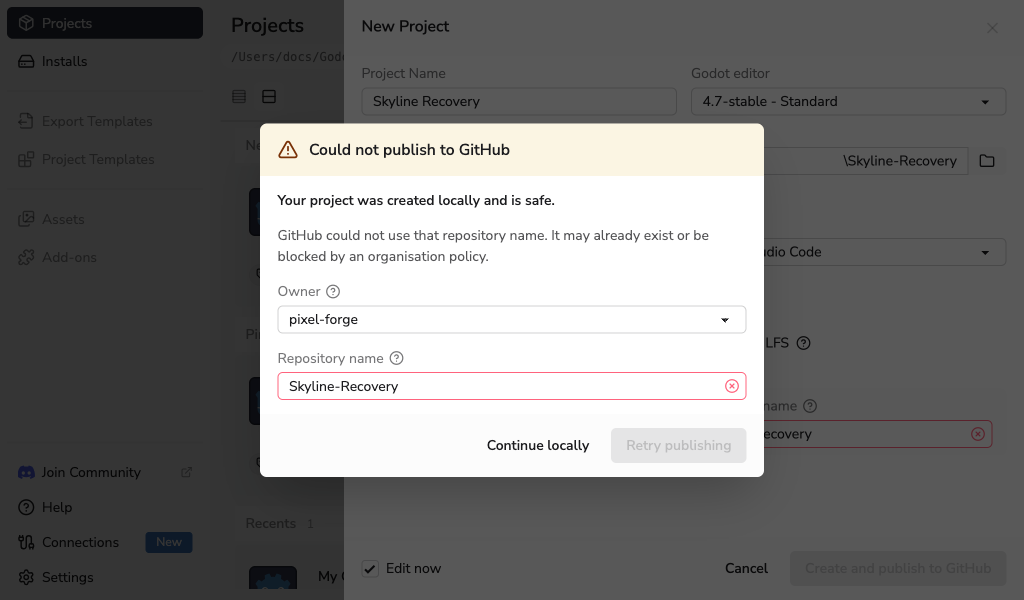
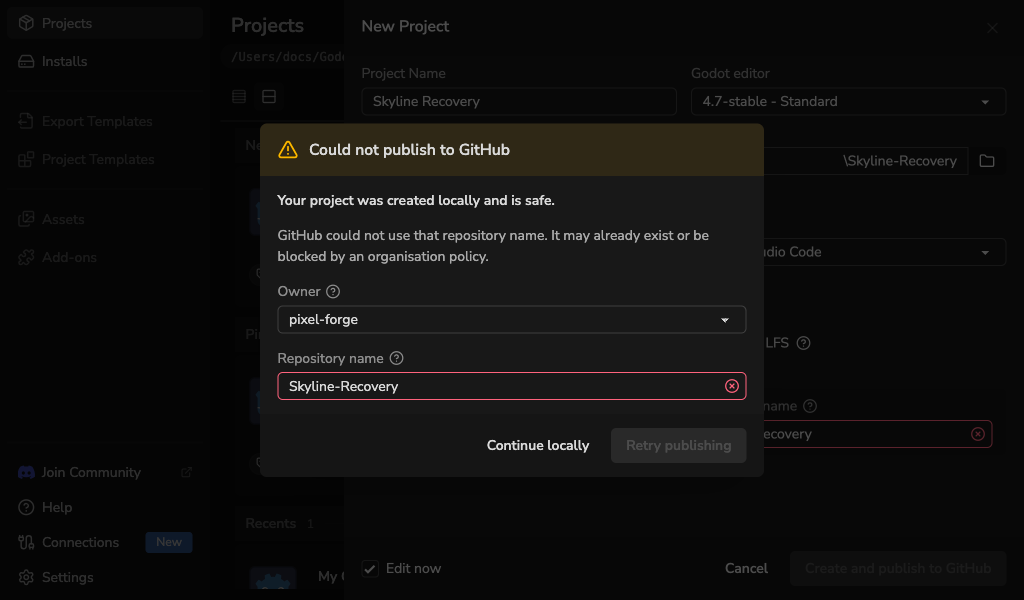
After publication, use the project folder menu and select Open in GitHub to open its safely recognised github.com repository page.
See Connections to connect GitHub or approve updated permissions. See How GitHub Connections Are Protected for credential and permission details.
If Git is unavailable, you can still create the project without a repository. If Git LFS is unavailable, its option stays disabled and the project can still use standard Git.
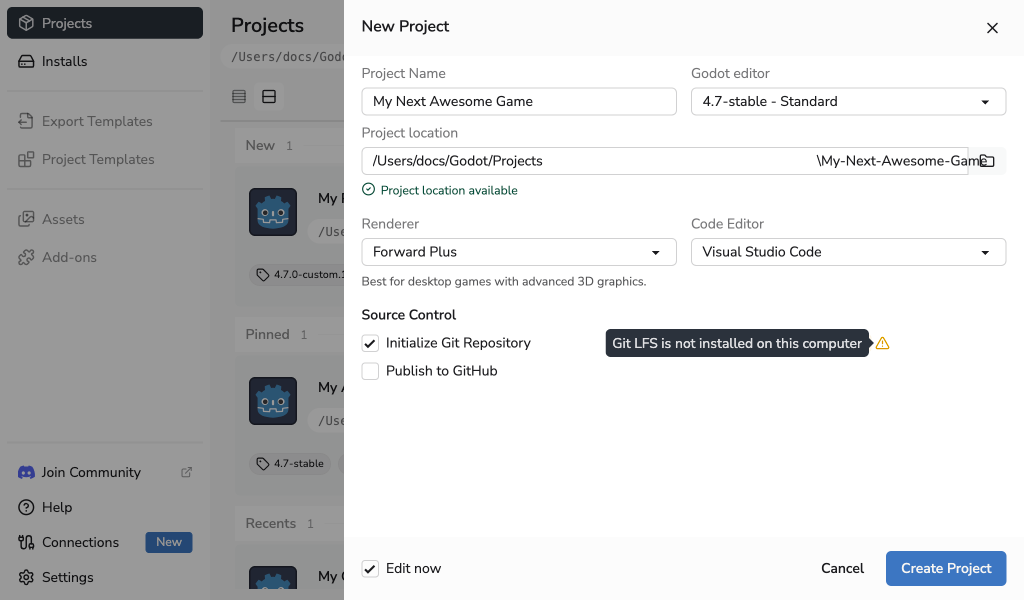
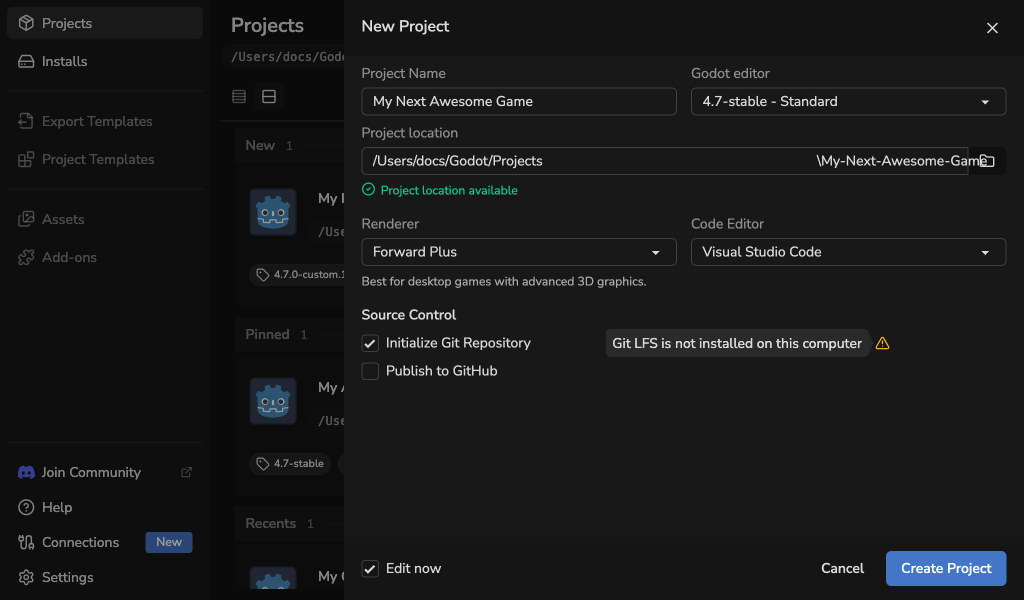
Open Settings > Tools to check both installations. See Troubleshooting to set up Git or complete the first commit.
See Using Git With Godot Launcher for the generated files, Git identity choices, and guidance for older Godot projects.